AI twitch overlay maker
An overlay that makes your stream look sponsored
Viewers judge production value in the first three seconds. Generate stream overlay graphics — webcam frames, chat panels, alert zones, full scene borders — in a style that turns a bedroom setup into a channel with an identity.
- Painted from your words — no templates, no stock libraries
- Bring your logo or photos along as references
- Every look from flat vector to glossy 3D render
- Edit, mock up, upscale or animate anything you make
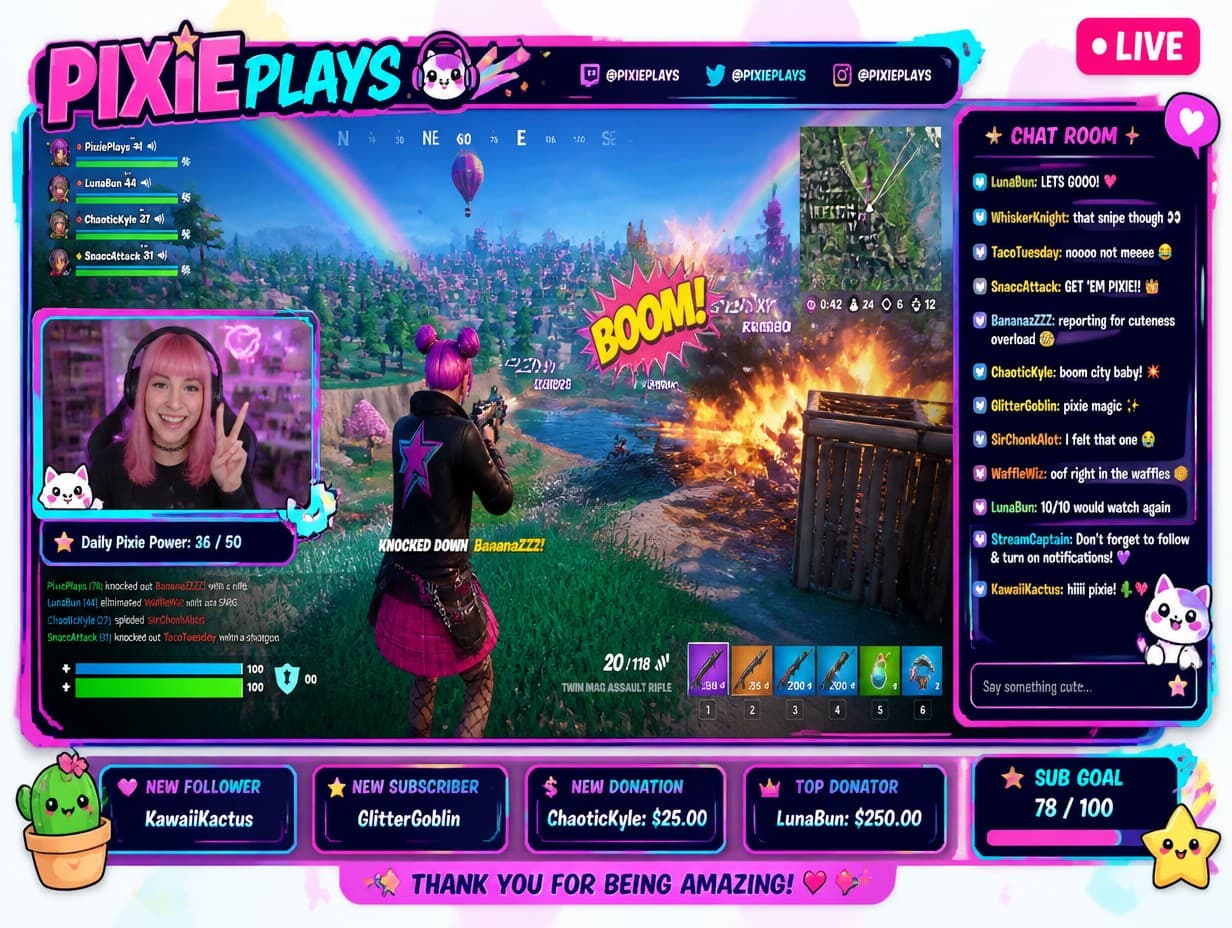
Made with Graphic Generator — “Twitch stream overlay frame in cyberpunk style, neon magenta and teal circuit bo…”
Steal one of these prompts
Before you hit generate
Describe your channel’s theme in three words and keep them in every prompt
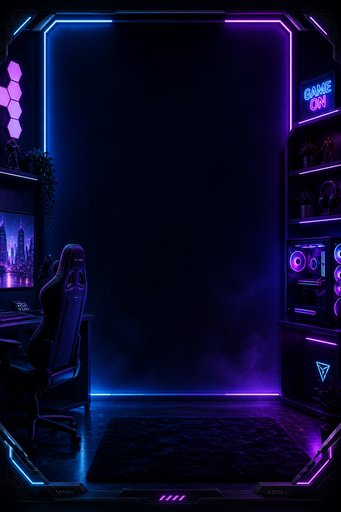
Ask for the center left transparent-dark so gameplay stays visible
Frame edges thin — overlays should frame the action, not eat it
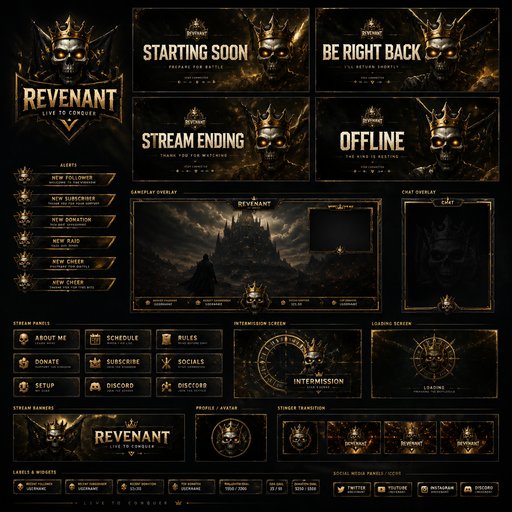
Generate matching pieces in one session so the whole scene agrees
Straight from the community feed

Good questions, straight answers
How do I make a Twitch overlay with AI?
Type one sentence describing the Twitch overlay you want — the subject, any words it should carry, the palette, the mood — and the generator paints a finished graphic in about twenty seconds. Not quite right? Reword and rerun until it is.
Can the Twitch overlay include my logo or my own photos?
Yes. Attach up to four reference images — a logo, a product shot, a portrait, an earlier graphic — and the AI works them into the new Twitch overlay so the result stays unmistakably yours.
Is the Twitch overlay maker free to try?
Graphic Generator is free to try — sign up and make your first graphic on the house. When you need more, plans start at $15/month for 1,000 credits, and one-time credit packs never expire.
Who owns the Twitch overlay?
You do — the graphics you make here belong to you; see our Terms of Service for the details. Public graphics appear in the community feed; keeping graphics private is a subscriber perk. And since copyright law varies by country, we can't give legal advice — ask an expert about specific cases.