AI youtube end screen maker
The last 20 seconds that earn the next view
Every video’s final frames are prime real estate for the next click. Generate end screen backgrounds — branded, calm, with clearly reserved zones for YouTube’s video cards and subscribe element — that turn endings into sessions.
- Painted from your words — no templates, no stock libraries
- Bring your logo or photos along as references
- Every look from flat vector to glossy 3D render
- Edit, mock up, upscale or animate anything you make
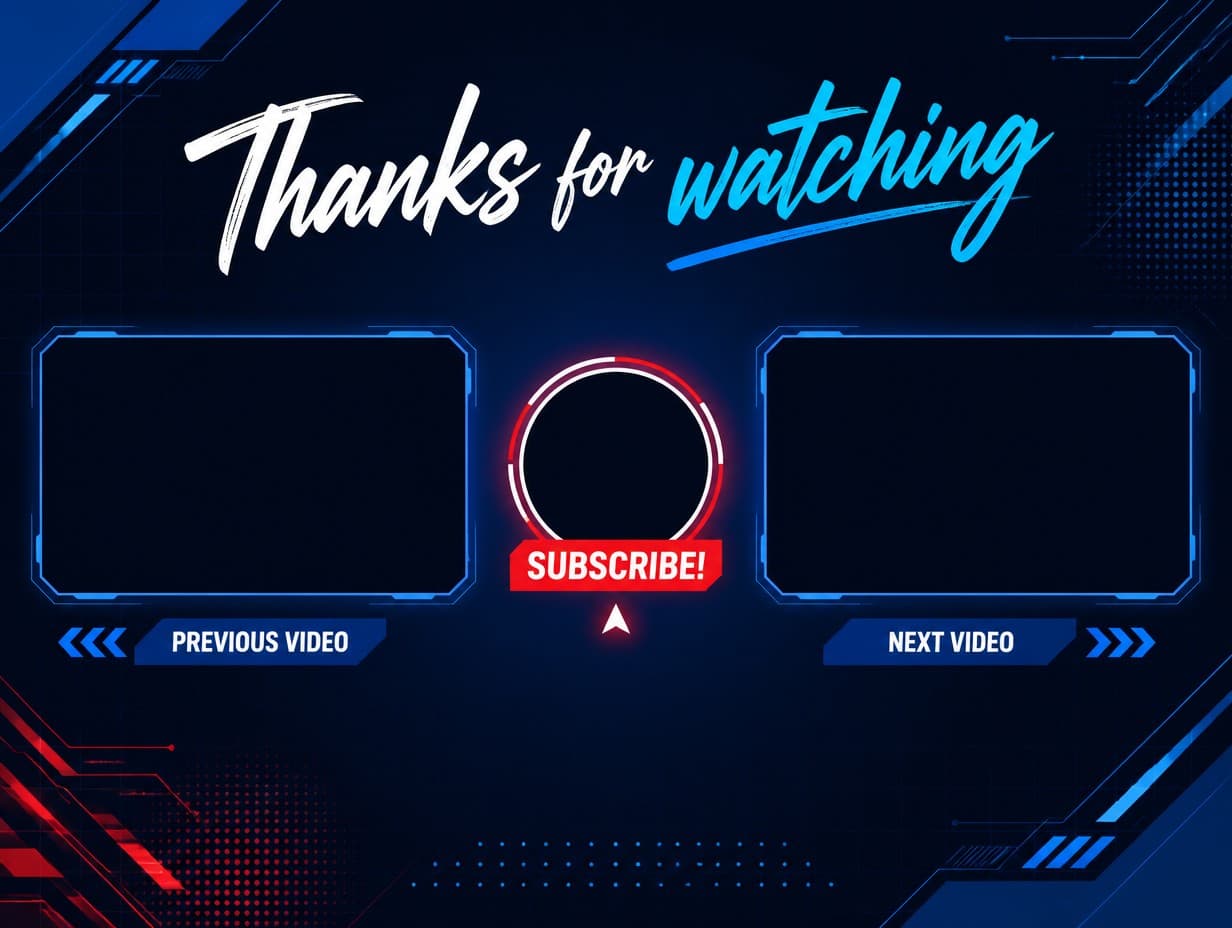
Made with Graphic Generator — “YouTube end screen background graphic, dark navy tech theme with two clearly res…”
Steal one of these prompts
Before you hit generate
Reserve two rectangles and a circle: video, video, subscribe — that’s the layout
Keep the background quieter than your thumbnails; the cards are the stars
Add a “thanks for watching” line to hold viewers through the cards
Match your channel colors so the outro feels like a signature
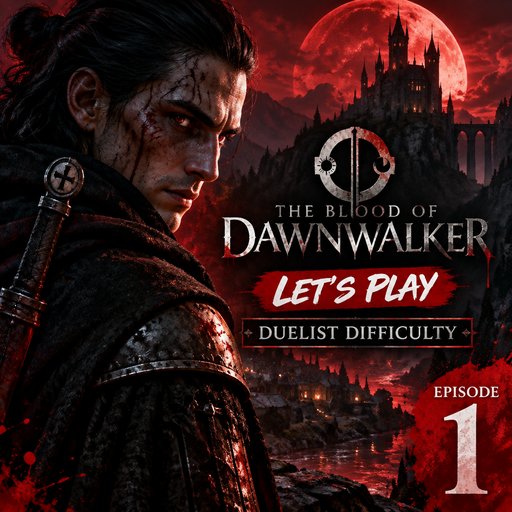
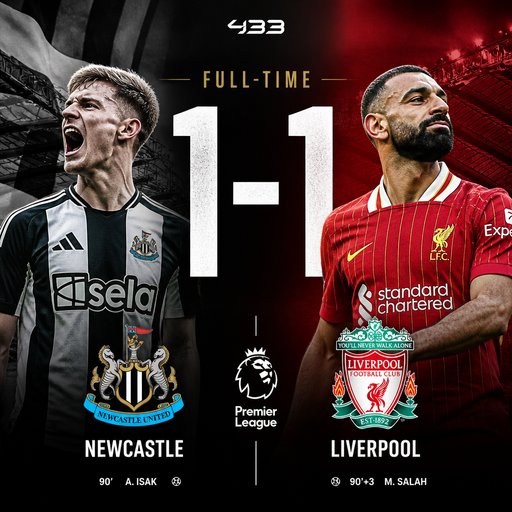
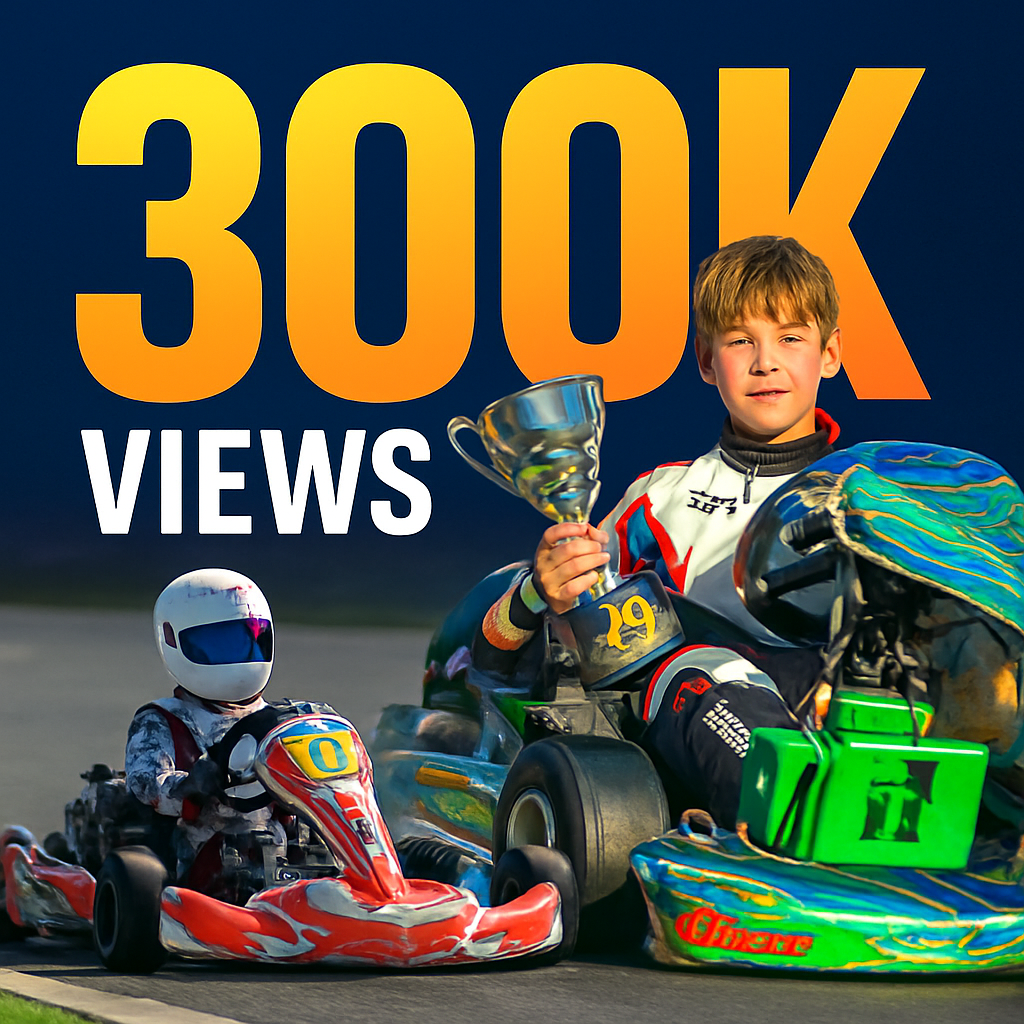
Straight from the community feed


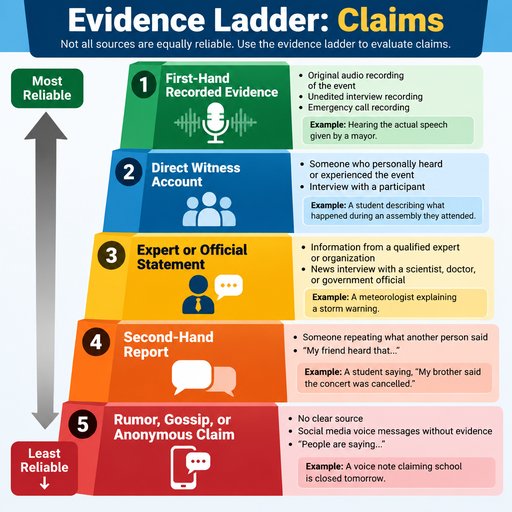


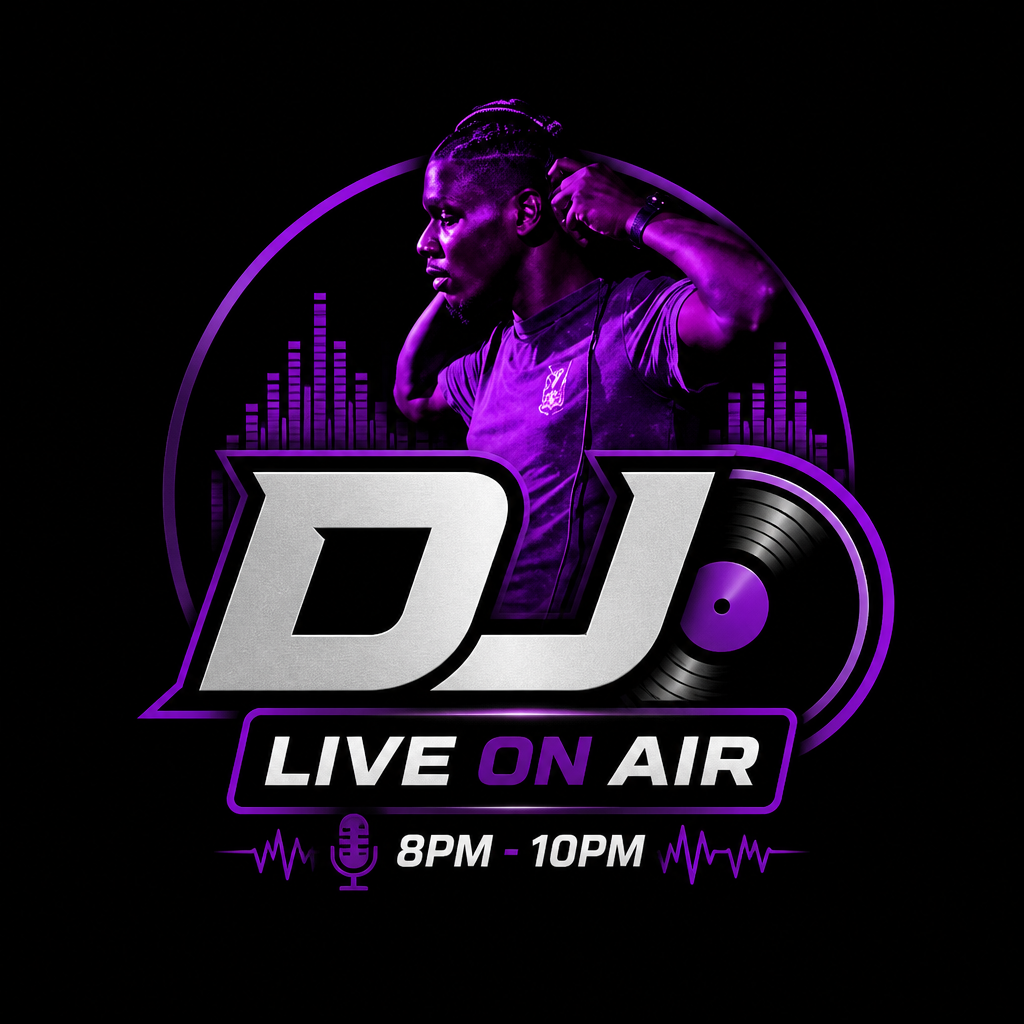




Good questions, straight answers
How do I make a YouTube end screen with AI?
Type one sentence describing the YouTube end screen you want — the subject, any words it should carry, the palette, the mood — and the generator paints a finished graphic in about twenty seconds. Not quite right? Reword and rerun until it is.
Can the YouTube end screen include my logo or my own photos?
Yes. Attach up to four reference images — a logo, a product shot, a portrait, an earlier graphic — and the AI works them into the new YouTube end screen so the result stays unmistakably yours.
Is the YouTube end screen maker free to try?
Graphic Generator is free to try — sign up and make your first graphic on the house. When you need more, plans start at $15/month for 1,000 credits, and one-time credit packs never expire.
Who owns the YouTube end screen?
You do — the graphics you make here belong to you; see our Terms of Service for the details. Public graphics appear in the community feed; keeping graphics private is a subscriber perk. And since copyright law varies by country, we can't give legal advice — ask an expert about specific cases.