AI graphic mockup preview
Show the work in the wild, not on an artboard
Stakeholders don’t approve files; they approve pictures of the file in real life. Generate mockup scenes from your finished graphic — the poster on a gallery wall, the banner on a laptop screen, the flyer in someone’s hand — and let context close the sale.
- Painted from your words — no templates, no stock libraries
- Bring your logo or photos along as references
- Every look from flat vector to glossy 3D render
- Edit, mock up, upscale or animate anything you make
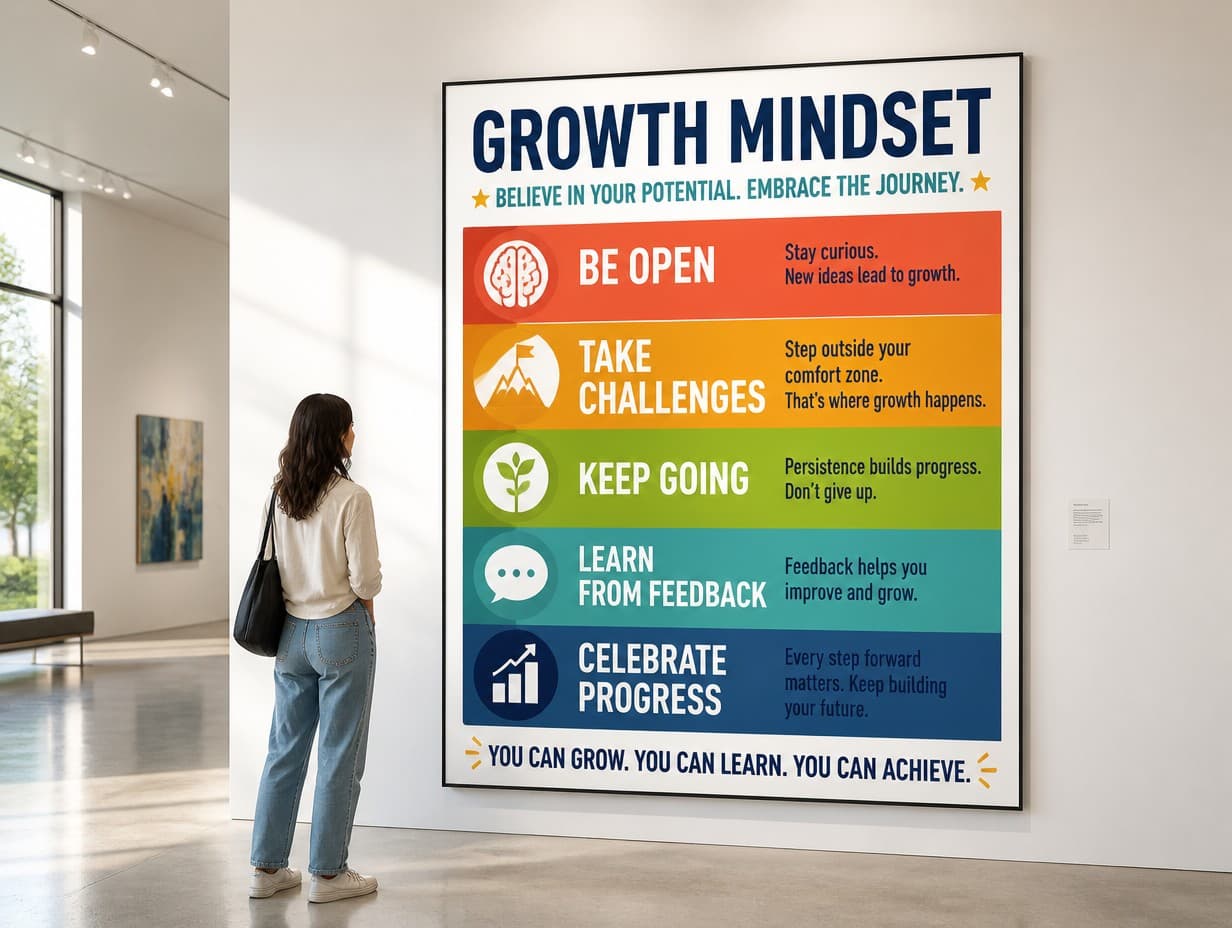
Made with Graphic Generator — “Present this graphic as a large poster on the wall of a bright modern gallery, a…”
Steal one of these prompts
Before you hit generate
Match the scene to the audience: office walls for corporate, streets for events
Natural imperfection sells realism — ask for shadows, angles, hands
Build a set: the same graphic in three scenes reads as a campaign
Keep lighting consistent when comparing two candidate graphics
Straight from the community feed



Good questions, straight answers
What makes a mockup persuasive?
Plausibility. A believable scene — real lighting, a slight angle, an environment your audience recognizes — lets viewers imagine the graphic already shipped. That mental head start is why designers present in mockups instead of flat files.
How much does a mockup scene cost?
Scene renders are 4 credits at Standard quality, 14 at Pro and 47 at Max. A three-scene presentation set at Standard runs 12 credits; it’s free to try, with plans from $15/month for 1,000 credits.
Can I compare two graphics in the same mockup?
Run each candidate through an identical scene description — same setting, same light — and review them side by side. Held in the same context, the stronger graphic usually declares itself immediately.