AI upscale a graphic to HD
Small file, big destination? Upscale it.
The graphic looks perfect — until it has to become a poster, a banner or a trade-show wall. Run it through the upscaler: instead of stretching pixels, it rebuilds edges and detail as it enlarges, so the big version stays as sharp as the small one.
- Painted from your words — no templates, no stock libraries
- Bring your logo or photos along as references
- Every look from flat vector to glossy 3D render
- Edit, mock up, upscale or animate anything you make
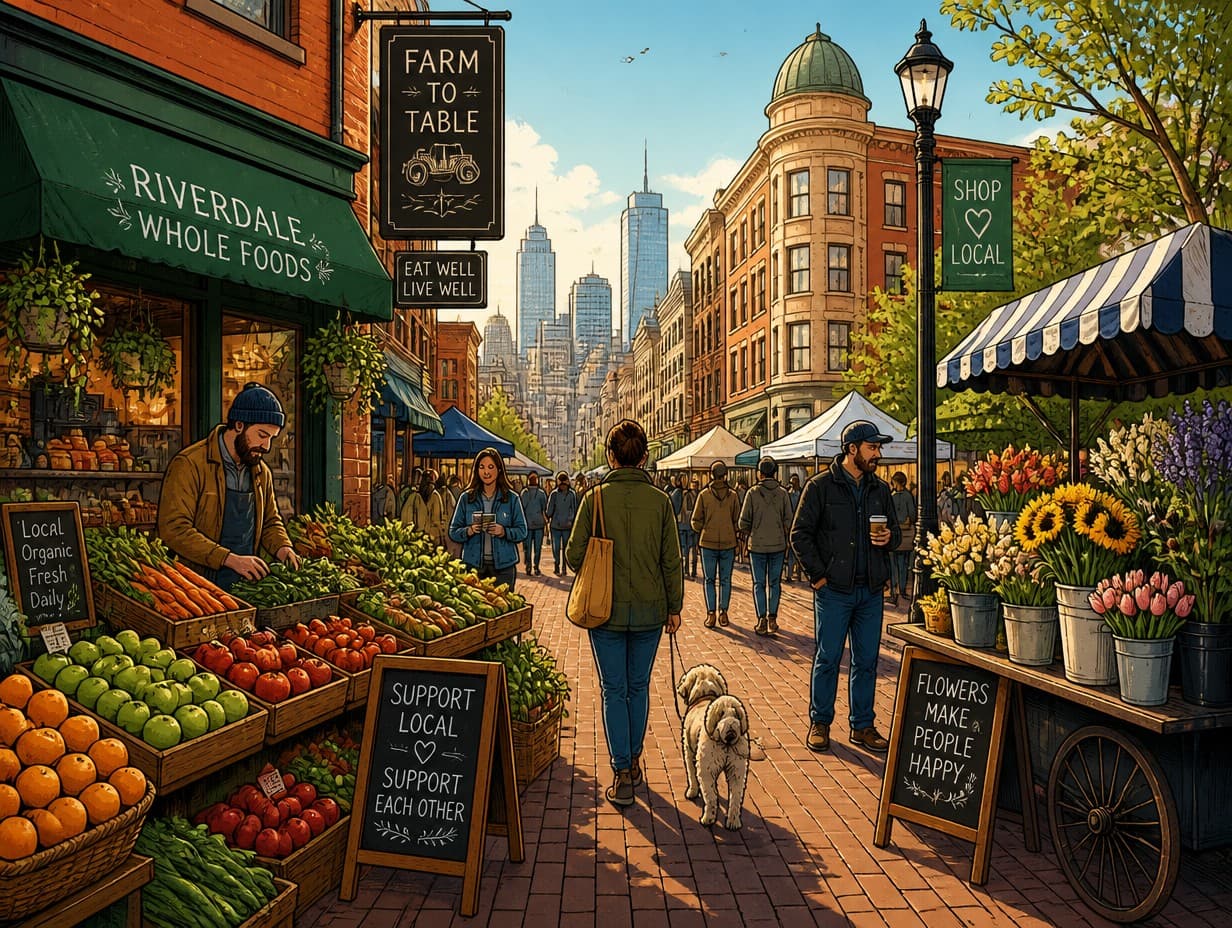
Made with Graphic Generator — “Detailed editorial illustration of a city market street in warm morning light, r…”
Steal one of these prompts
Before you hit generate
4MP handles social and web; go 32MP+ for posters and print
Upscale the final version — enlarging first wastes credits on drafts
Text and fine linework benefit most; blur there is what betrays small files
For print, pair the upscale with your printer’s DPI needs before ordering
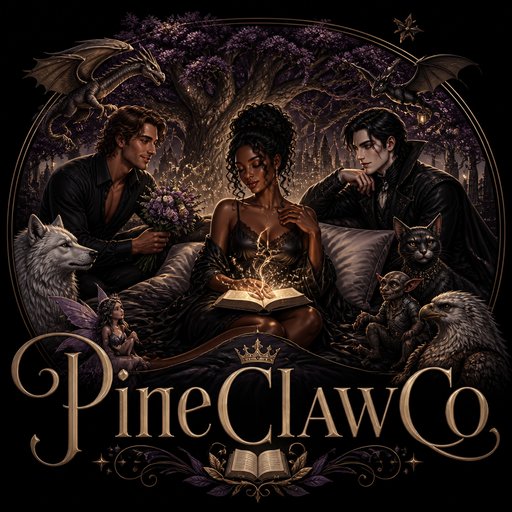
Straight from the community feed



Good questions, straight answers
How large can a graphic be upscaled?
Six output sizes run from 4MP up to 128MP. Because the upscaler redraws detail rather than stretching pixels, edges, type and texture stay crisp at sizes where a normal resize turns to mush — 32MP and up prints cleanly at poster scale.
What does upscaling cost?
It’s priced by output size: 3 credits for 4MP, 5 for 8MP, 10 for 16MP, 20 for 32MP, 40 for 64MP and 80 for 128MP. Your 2 free signup credits cover a first Draft generation; upscales come from a plan (from $15/month) or a never-expiring pack.
Do I get a vector file?
No — the output is a high-resolution raster image. At large sizes it prints beautifully, and it makes an excellent base for auto-tracing if a print shop later asks for true vector art.