AI graphic to video converter
From flat file to finished clip in one prompt
Every platform now favors video, but not every idea needs a shoot. Upload the graphic you already have — a promo, a poster, an announcement — describe how it should move, and get a short clip that gives the algorithm what it wants.
- Painted from your words — no templates, no stock libraries
- Bring your logo or photos along as references
- Every look from flat vector to glossy 3D render
- Edit, mock up, upscale or animate anything you make
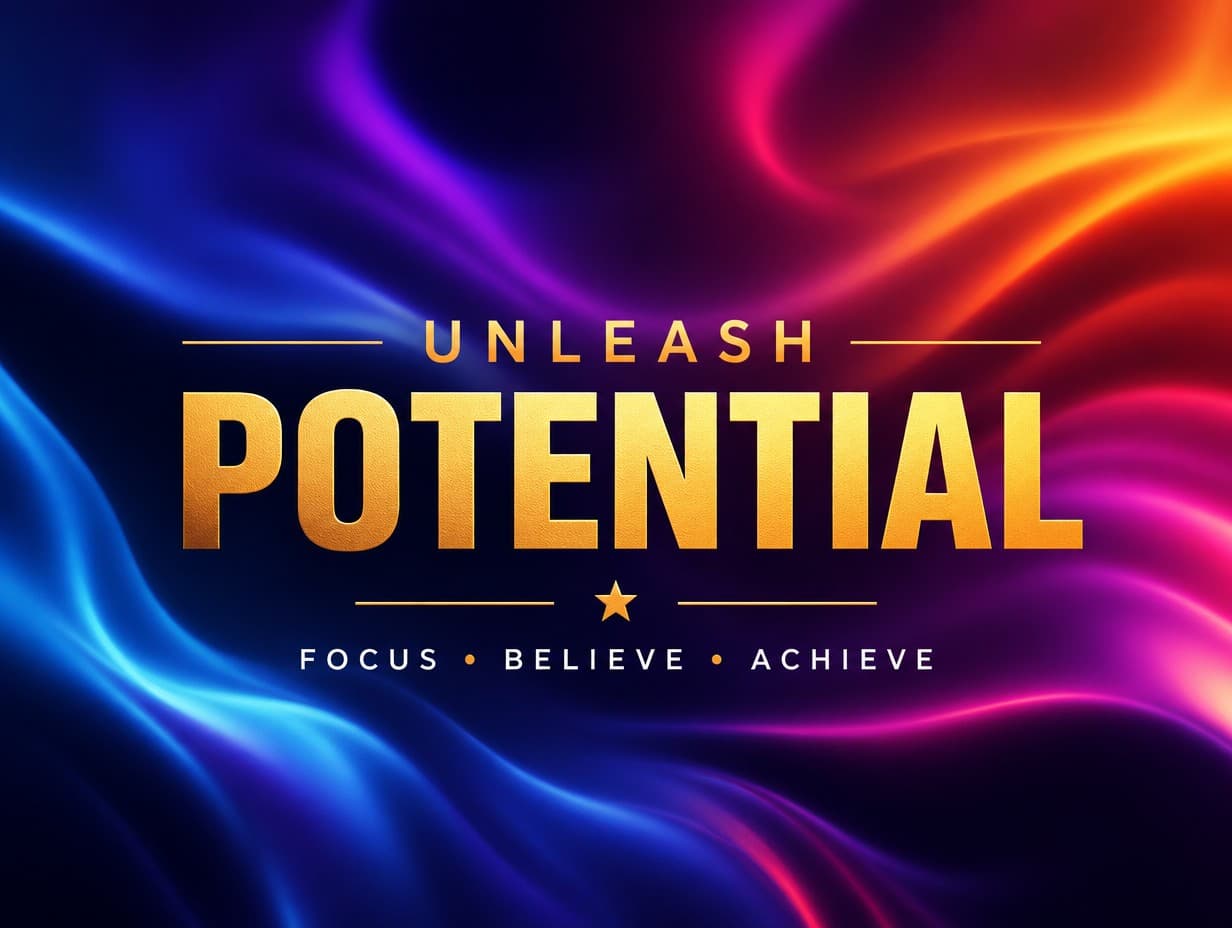
Made with Graphic Generator — “The background gradient flows slowly like liquid while the text stays fixed, cal…”
Steal one of these prompts
Before you hit generate
Upload the final flattened graphic — text and all — for faithful motion
Tell it what stays still: “keep the logo fixed while the background flows”
Vertical 9:16 clips travel furthest on reels and TikTok
Pick the duration to the platform: 4–6s for feeds, 8–12s for screens
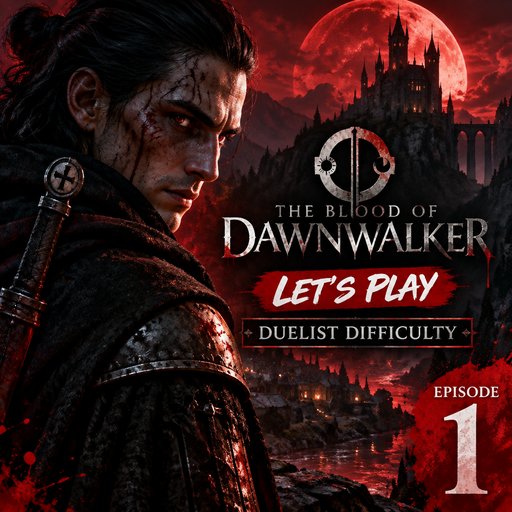
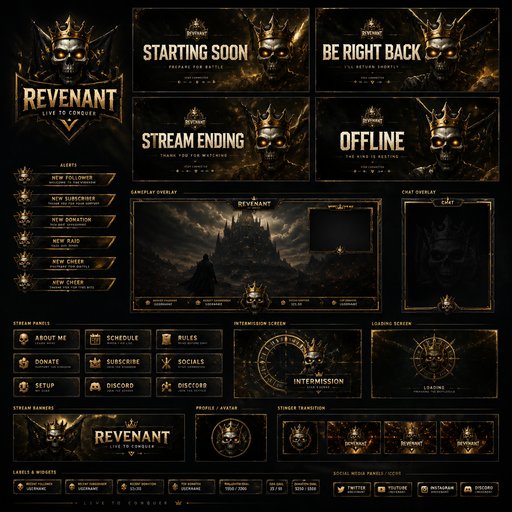
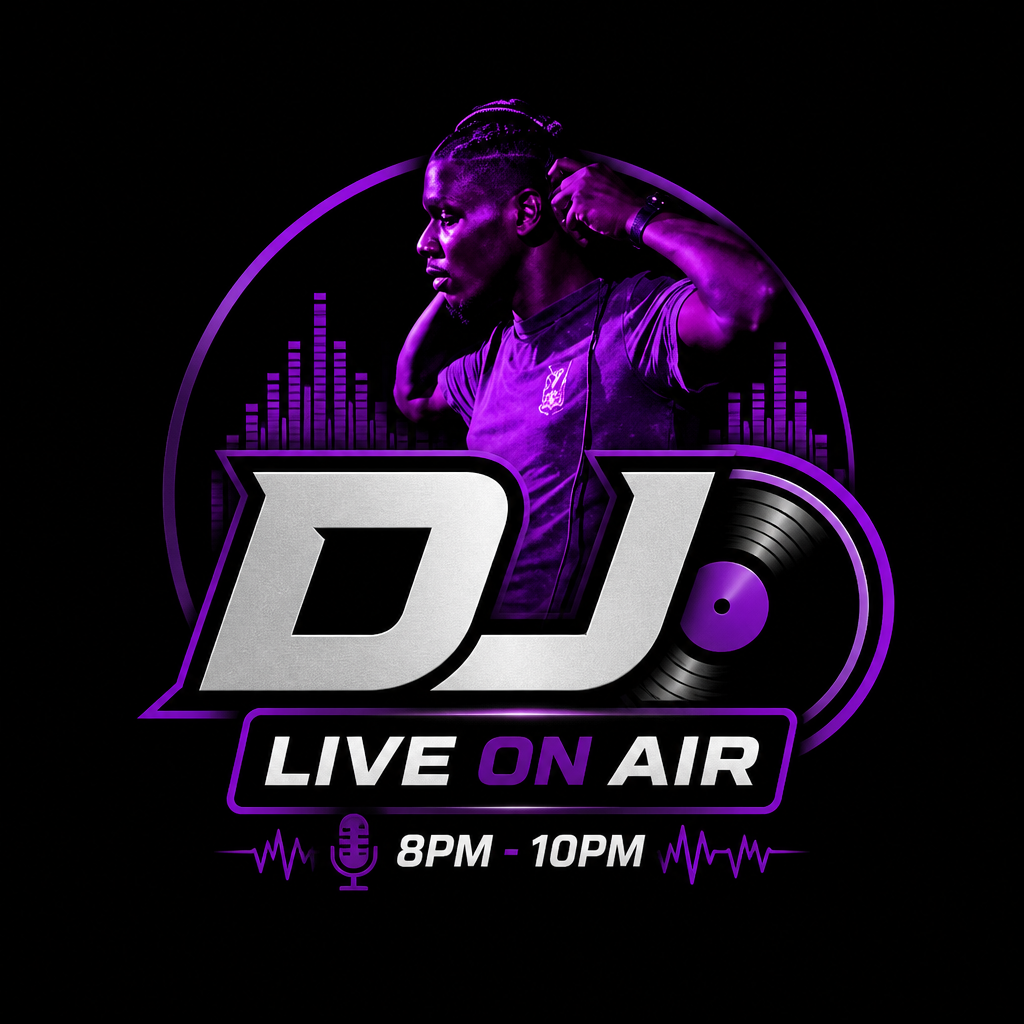
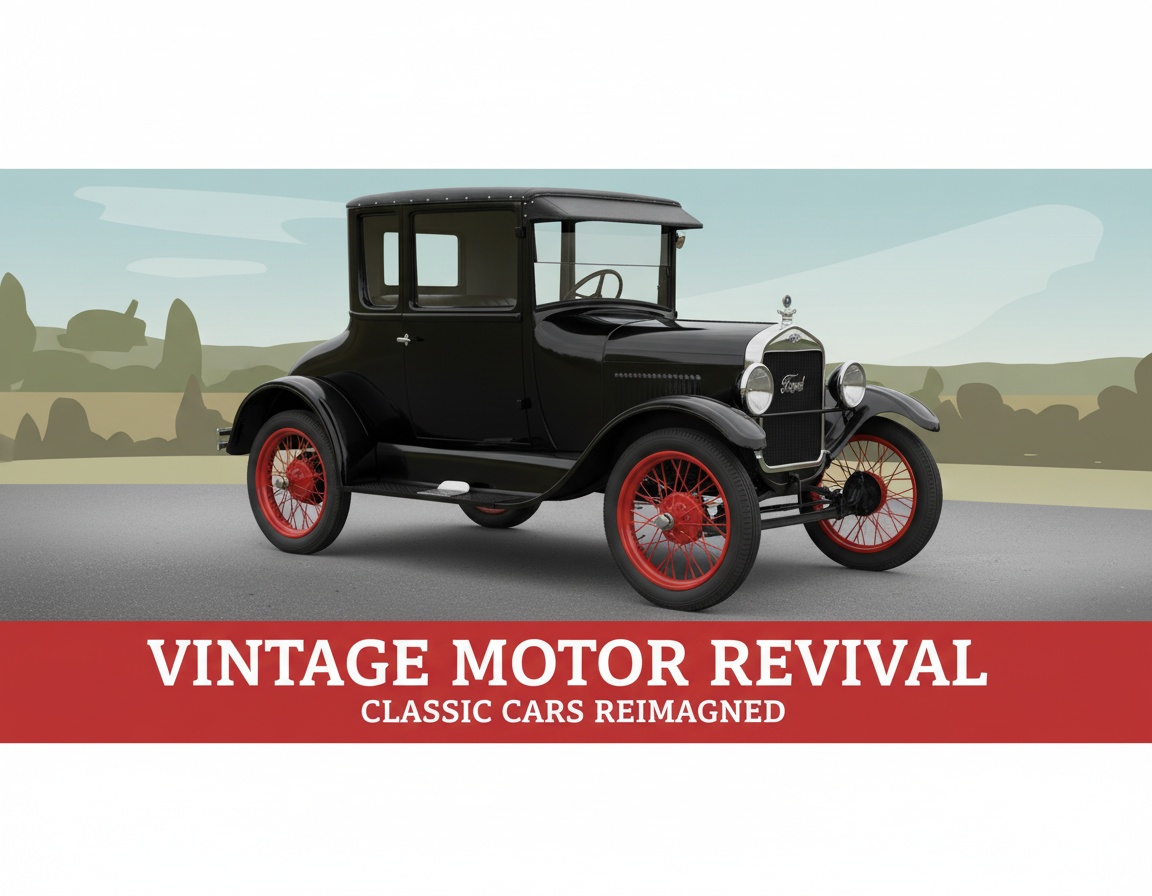
Straight from the community feed
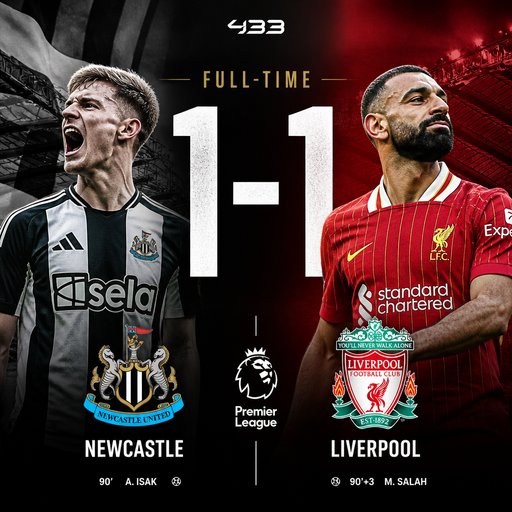

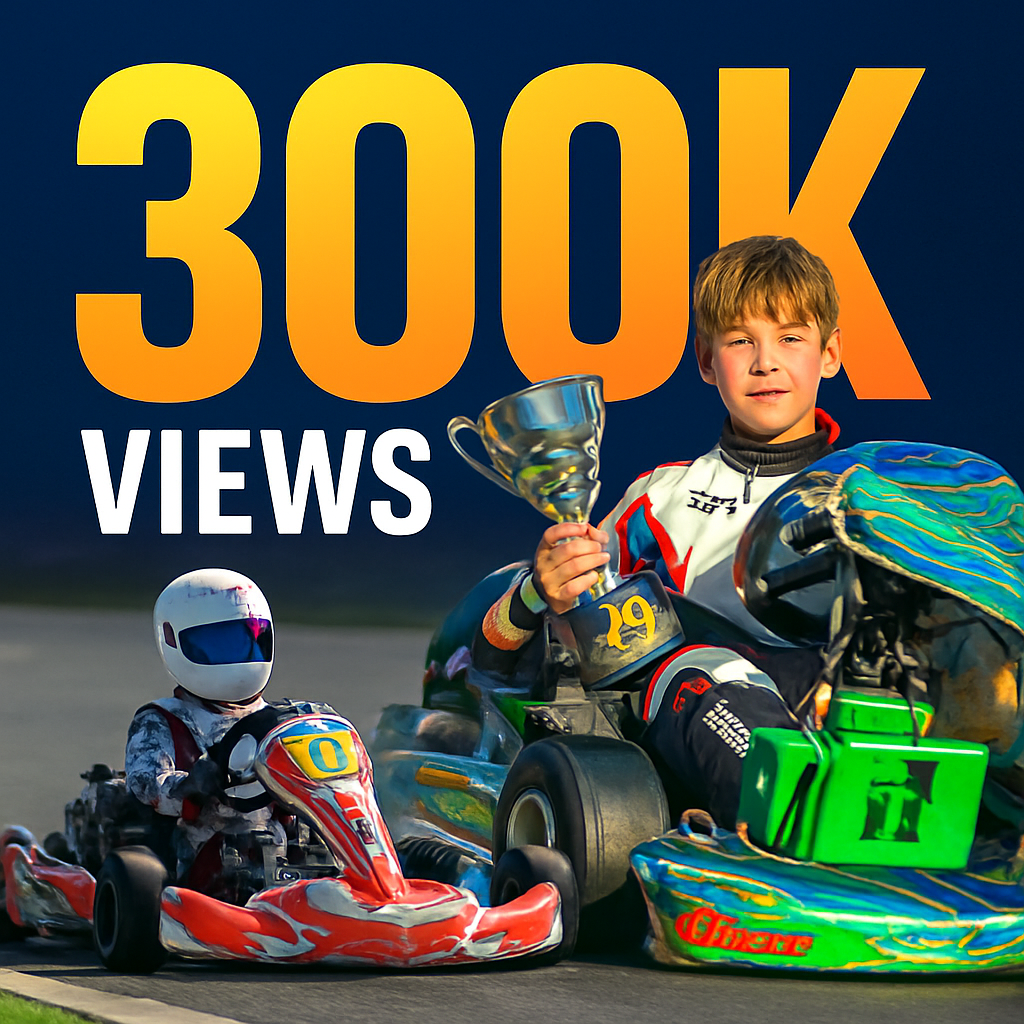






Good questions, straight answers
Will the video keep my graphic exactly as designed?
The clip is generated from your uploaded image, so composition, colors and text carry through. Fine print holds up best at 1080p — if your graphic is text-heavy, preview at 720p and render the final pass at 1080p.
What does converting a graphic to video cost?
Pricing is per second of output: 30 credits/second at 720p, 40 at 1080p, in durations of 4, 5, 6, 8, 10 or 12 seconds — so a 6-second 1080p clip is 240 credits. Plans start at $15/month for 1,000 credits; pack credits never expire.
What should I ask the motion to do?
One idea, executed calmly: a slow push-in, a flowing background, weather moving through the scene, or a single reveal. Stacked effects fight each other — if you want two motions, make two clips and A/B them.