AI ai graphic editor
Type the change. Skip the software.
The graphic is 90% there — the date changed, the background’s too busy, that one element has to go. Load it into the editor and type the fix the way you’d tell a colleague. What you name gets changed; what you don’t, doesn’t.
- Painted from your words — no templates, no stock libraries
- Bring your logo or photos along as references
- Every look from flat vector to glossy 3D render
- Edit, mock up, upscale or animate anything you make

Made with Graphic Generator — “Change the date text to “MARCH 22” and make the background a deeper navy, keep e…”
Steal one of these prompts
Before you hit generate
One instruction per pass — chain small edits for full control
Name the element precisely: “the yellow starburst”, “the date line”
Say what to preserve when it matters: “keep the layout identical”
Works on any image — edit graphics you made anywhere, not just here
Straight from the community feed





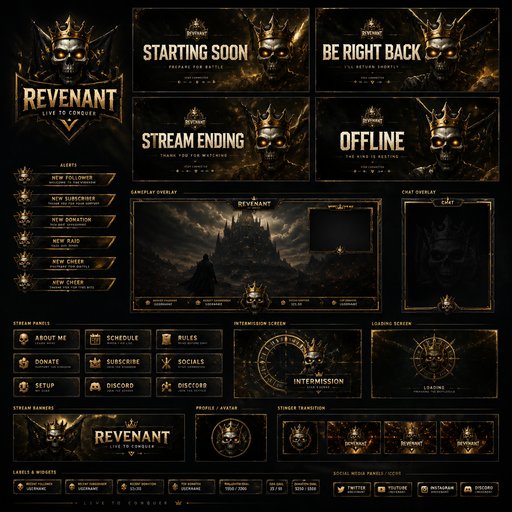





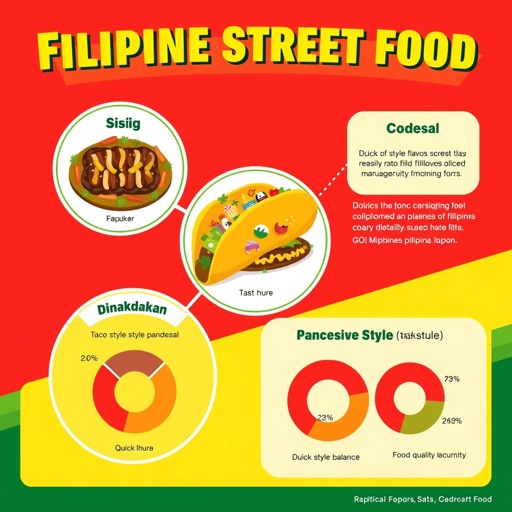



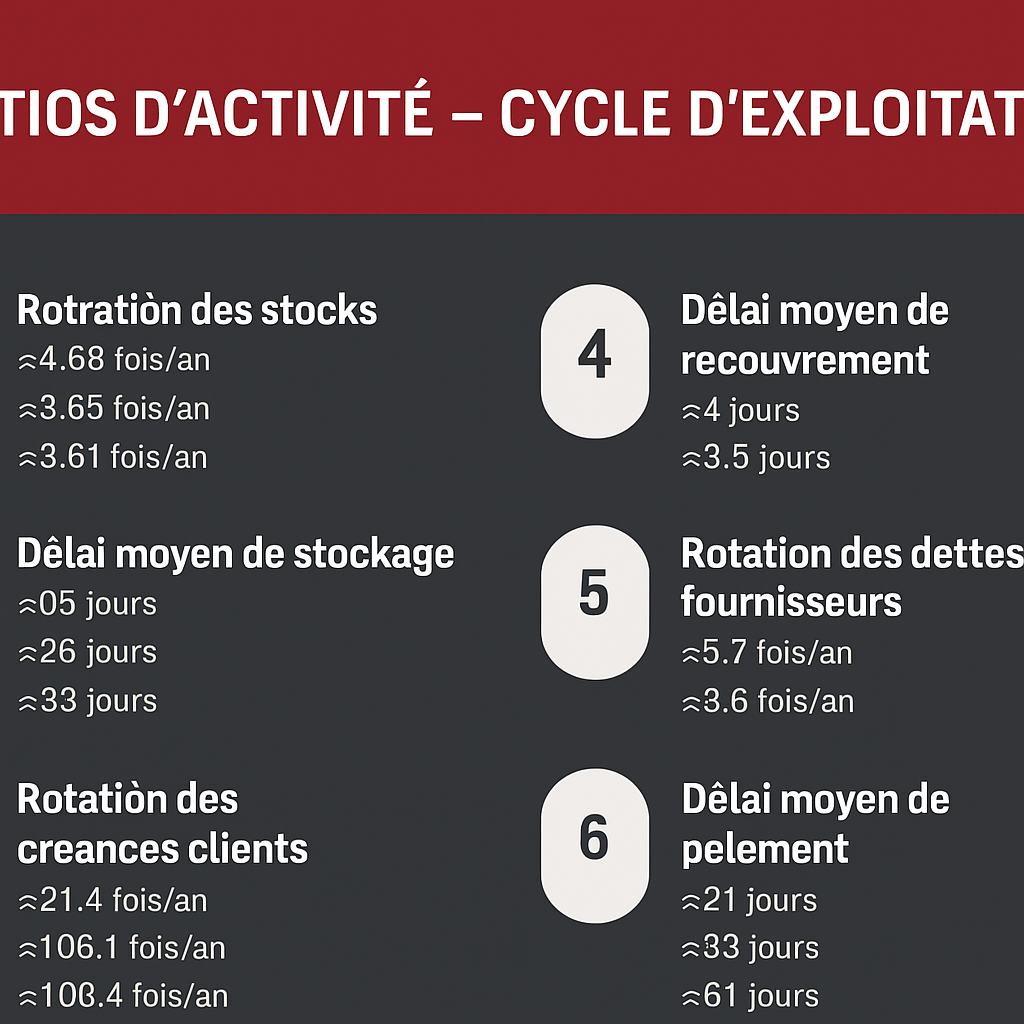


Good questions, straight answers
What edits can the AI make to a graphic?
Text swaps, color and mood shifts, object removal or replacement, background changes, decluttering and style adjustments — each driven by a plain-language instruction. Elements you don’t mention stay untouched, which is what makes iterating safe.
How many credits does an edit cost?
Each edit pass is 4 credits at Standard quality, 14 at Pro and 47 at Max. A typical fix-up session of five or six passes runs about 25 credits — the Starter plan’s 1,000 monthly credits ($15/month) cover a lot of editing.
Can I edit a graphic I didn’t generate here?
Yes — upload any image and edit away. Updating last year’s flyer with this year’s date, or decluttering a graphic a freelancer made long ago, are exactly what the editor is for.