AI graphic variations generator
Never settle for the first version again
The first decent version is rarely the best one. Upload a graphic as a reference and generate variations — same concept, different layout, palette or energy — so you choose from a lineup instead of committing to a lucky first draft.
- Painted from your words — no templates, no stock libraries
- Bring your logo or photos along as references
- Every look from flat vector to glossy 3D render
- Edit, mock up, upscale or animate anything you make
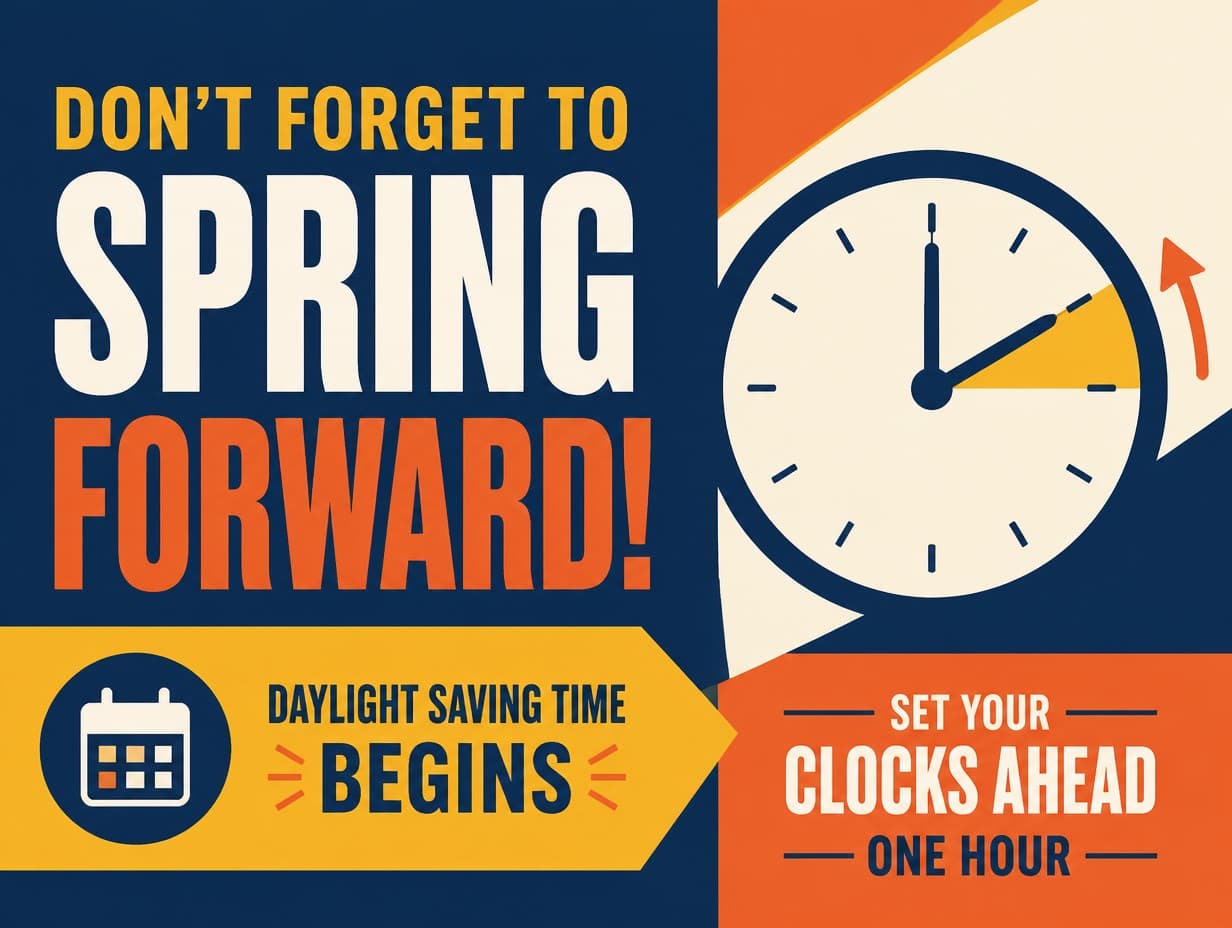
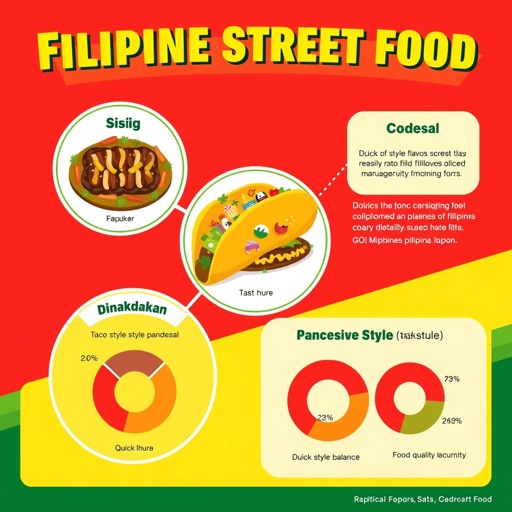
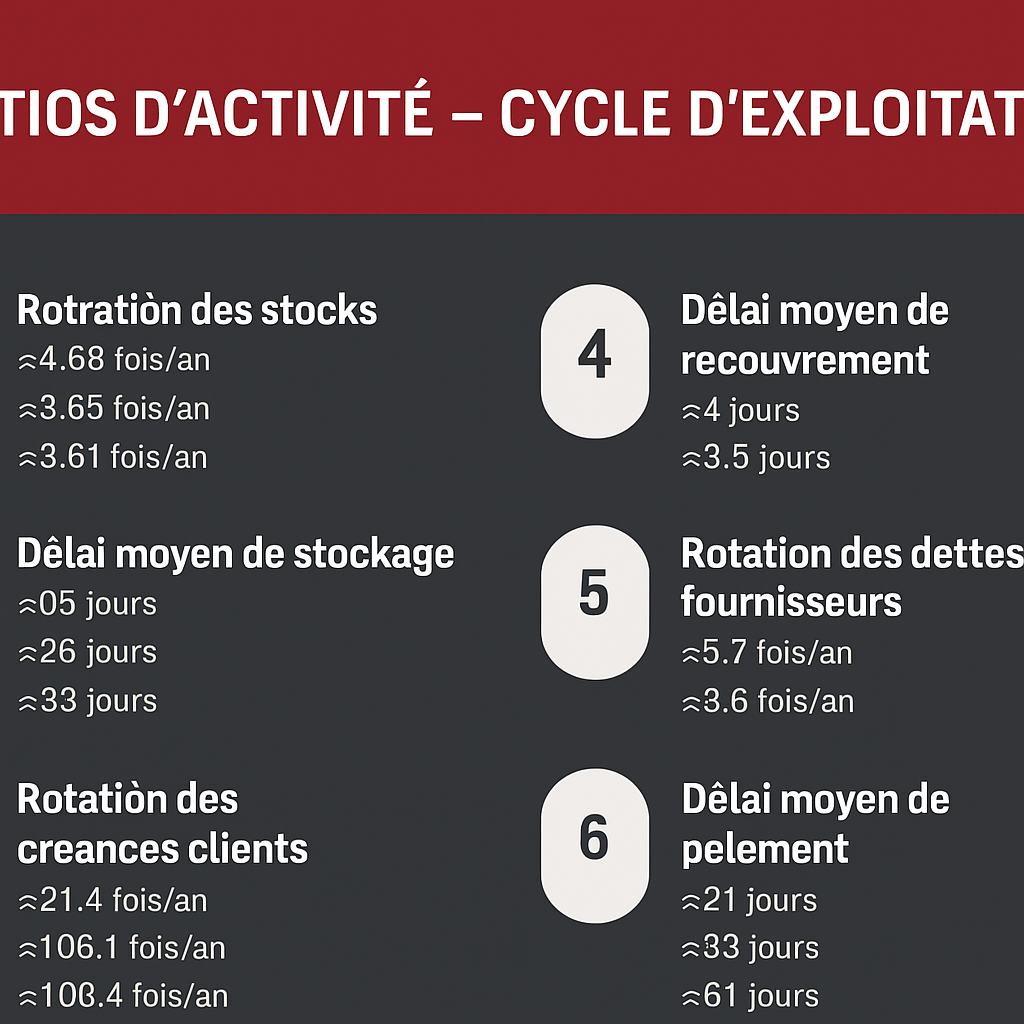
Made with Graphic Generator — “A variation of the uploaded graphic with the same message and palette but a bold…”
Steal one of these prompts
Before you hit generate
Upload the original as a reference and ask for “a variation that…”
Change one variable per batch: layout, palette, or mood — not all three
Three to five variations is a decision; fifteen is a paralysis
Keep the winning variation as the new reference and iterate again
Straight from the community feed

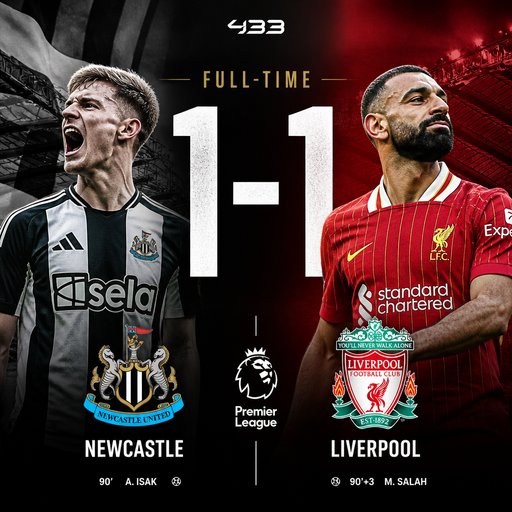

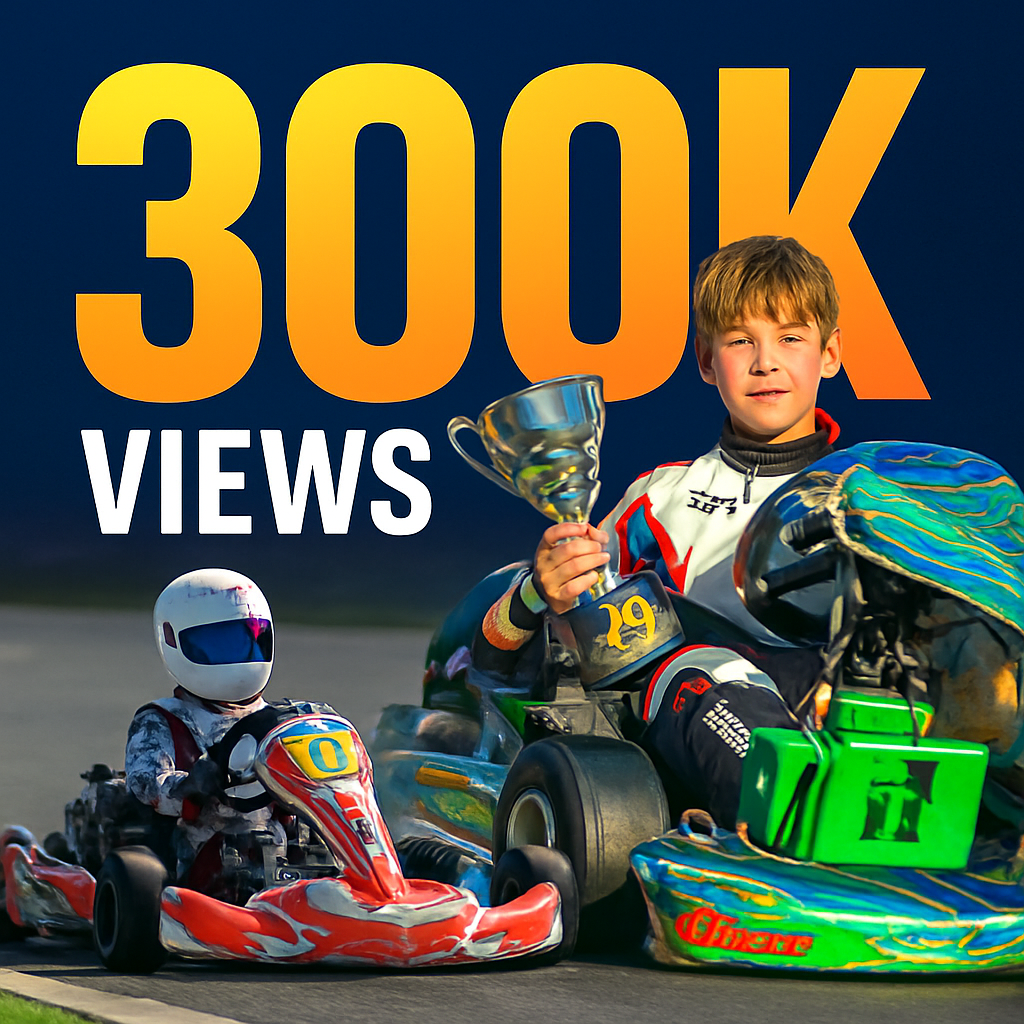
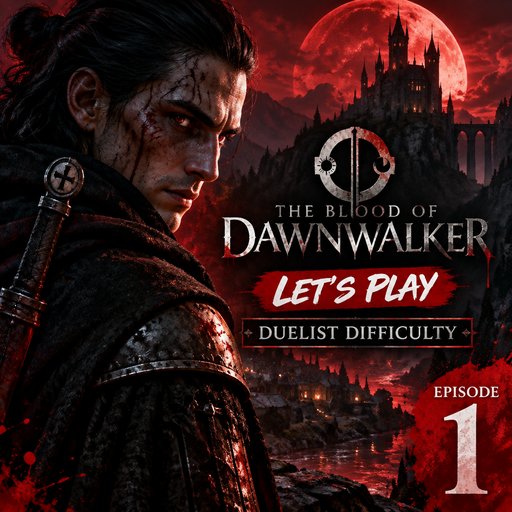

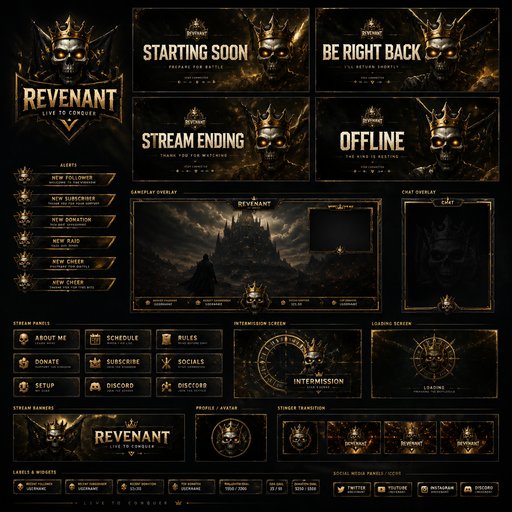



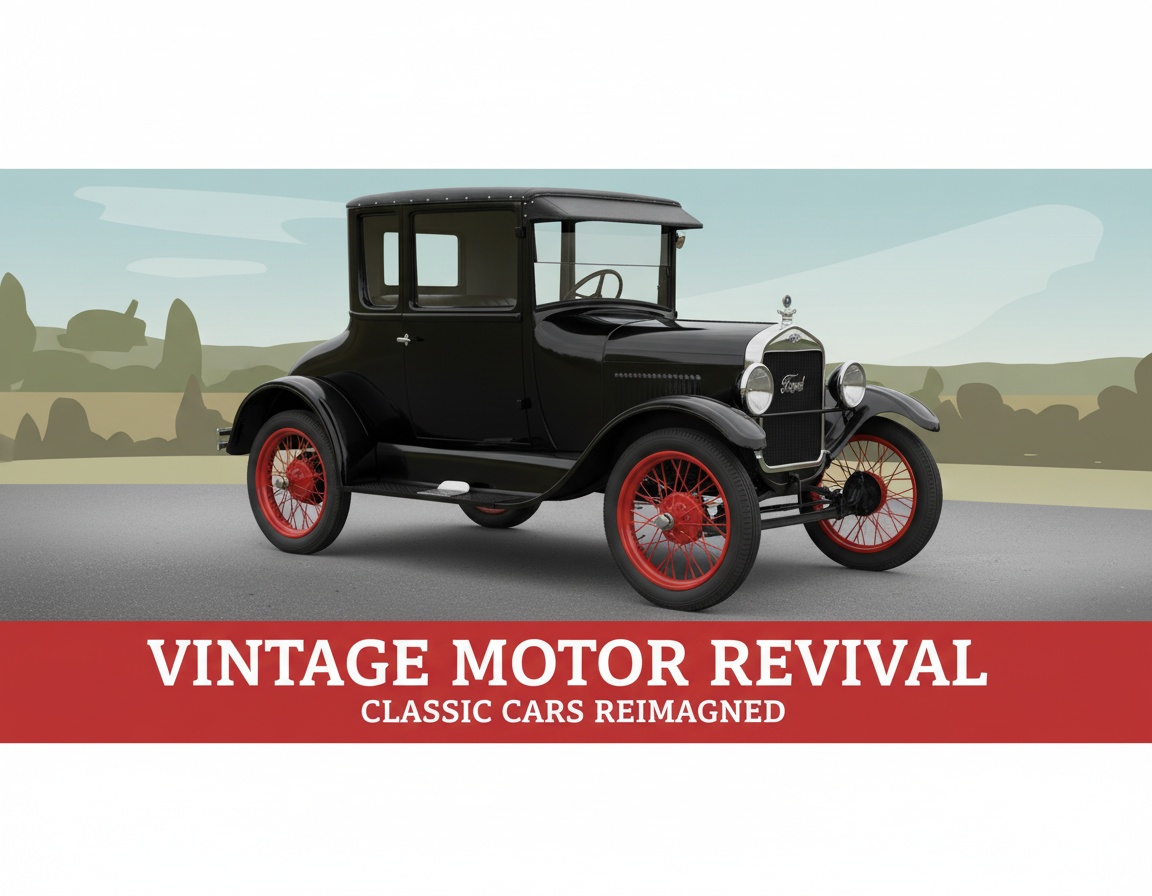





Good questions, straight answers
How do variations stay true to the original?
Your uploaded graphic acts as the reference: the generator reads its message, palette and layout, then riffs in the direction you name. Mention what must survive — “keep the headline and the logo placement” — and it anchors the family together.
What does each variation cost?
A variation is a generation plus a reference image: 4 credits at Draft (2 + 2 for the reference), 14 at Standard, 47 at Pro. A five-option client lineup at Standard quality is 70 credits — comfortable inside the $15/month Starter plan’s 1,000.
When are variations most useful?
Ad A/B testing (let the click data pick), client presentations (options sell better than ultimatums), and refreshing evergreen graphics so a long-running campaign never visibly repeats itself.