AI put a graphic on a product
The artwork isn’t finished until it’s on something
A graphic that sings on screen can die on a mug. Send your artwork to the Mockup tool and see it living on real things — wrapped around a bottle, printed on a tote, lit up as a sign — before you commit to a production run.
- Painted from your words — no templates, no stock libraries
- Bring your logo or photos along as references
- Every look from flat vector to glossy 3D render
- Edit, mock up, upscale or animate anything you make
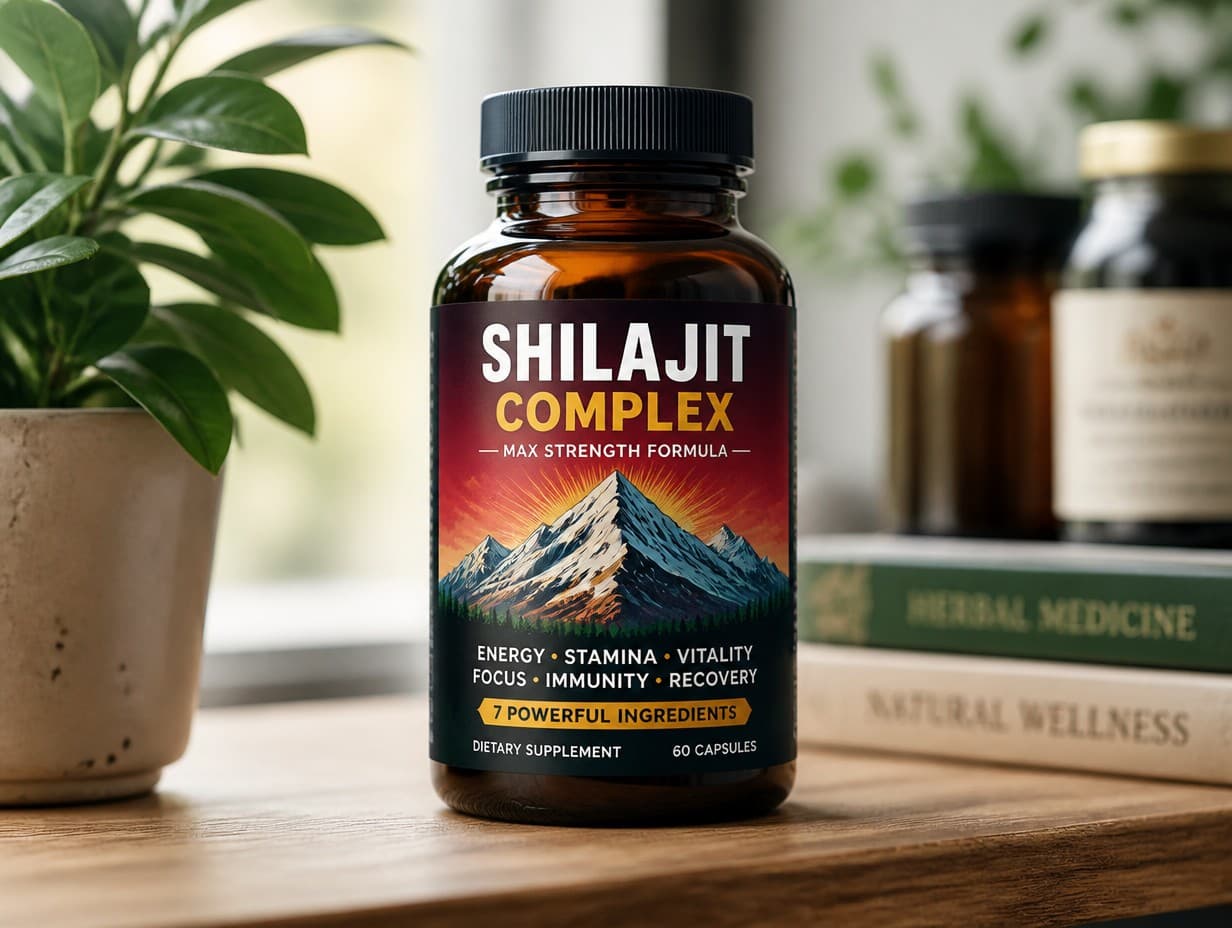
Made with Graphic Generator — “Show this graphic printed as the label on an amber glass bottle standing on a wo…”
Steal one of these prompts
Before you hit generate
Describe the product and the setting: “on a candle jar, on a shelf, warm light”
Test one tiny product and one huge one — scale exposes weak graphics
Curved surfaces (mugs, bottles) are the honest test of busy artwork
Shoot the winner in three settings and you have a product page
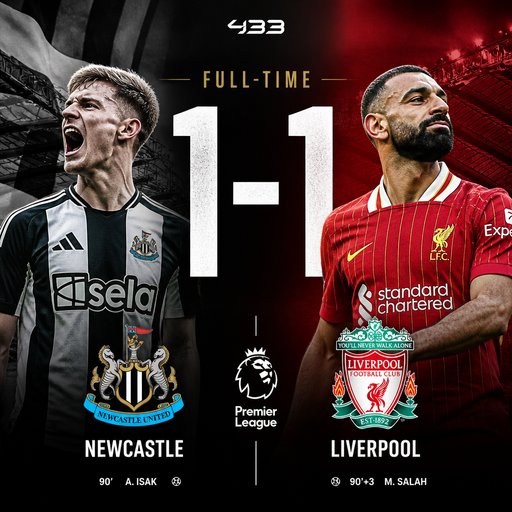
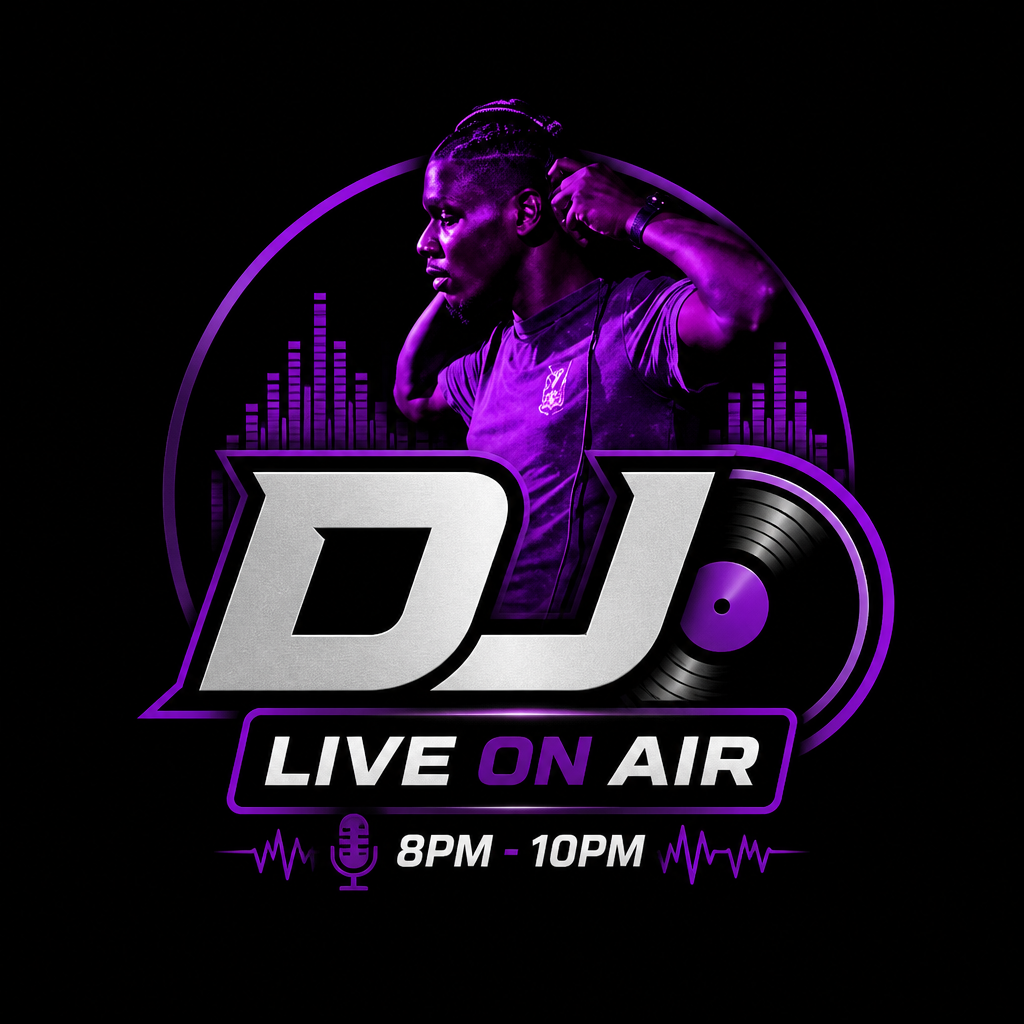
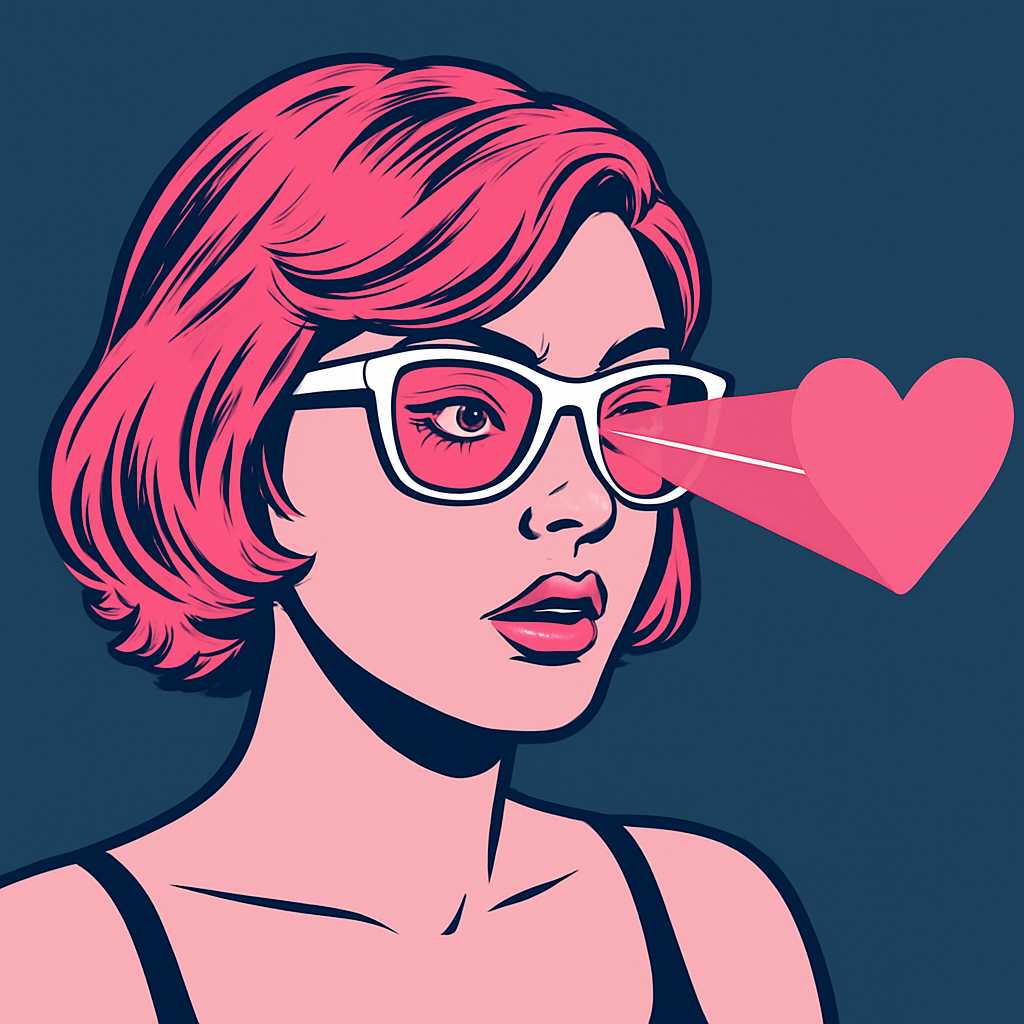
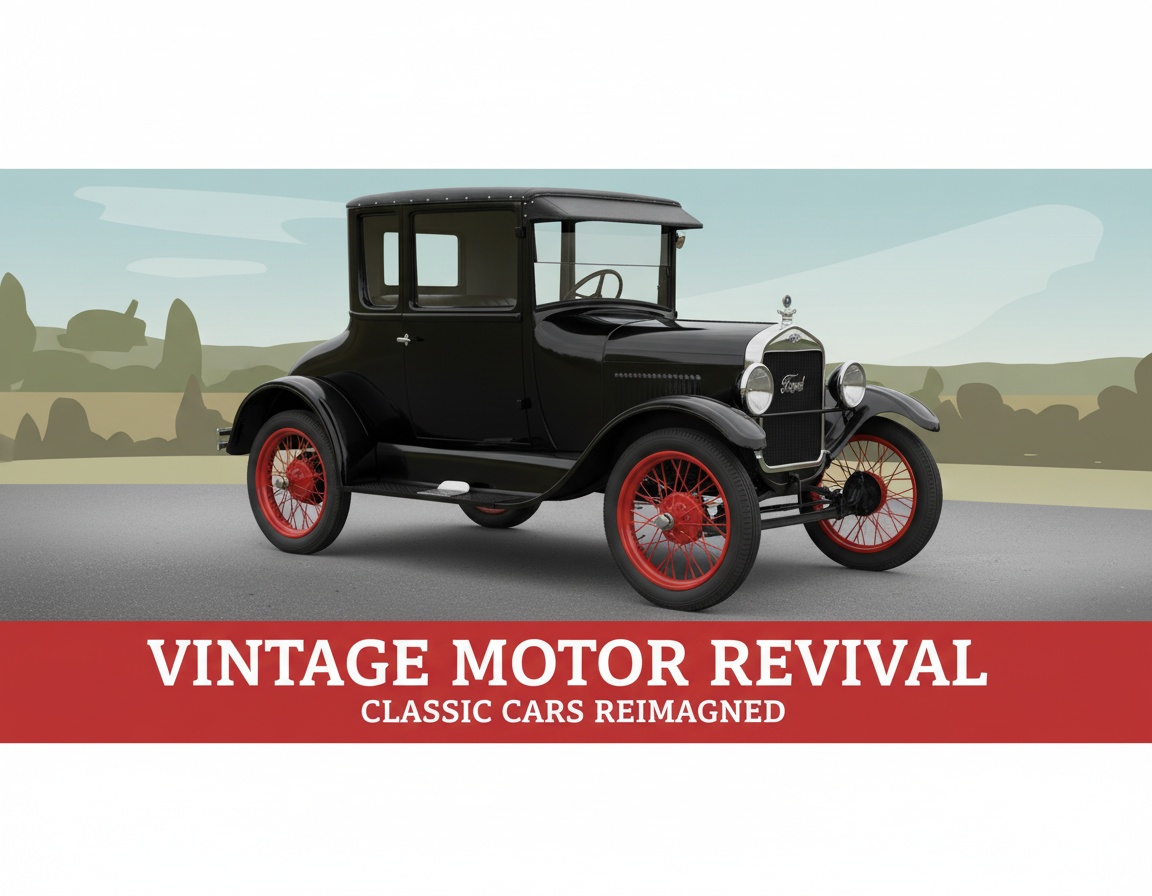
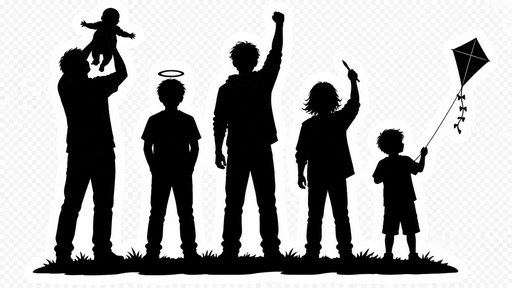
Straight from the community feed






Good questions, straight answers
Which products can I place a graphic on?
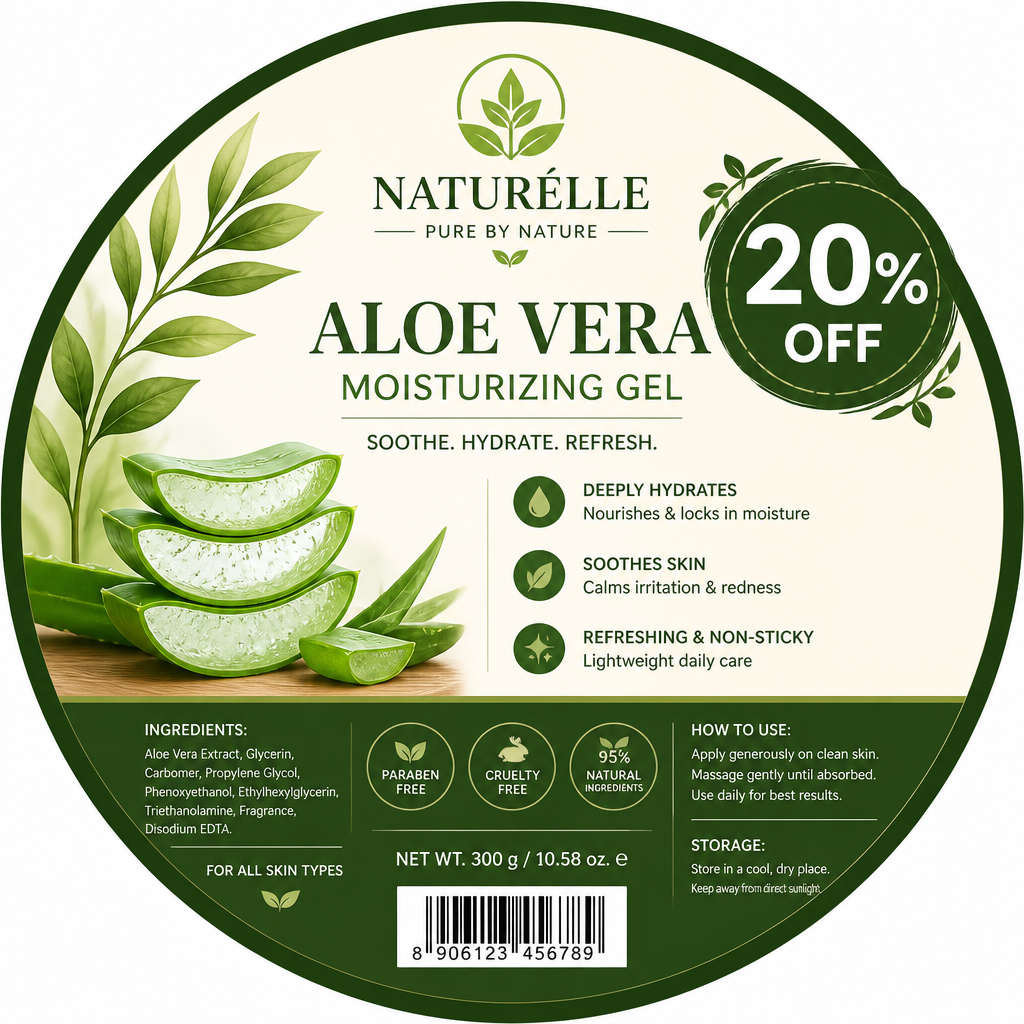
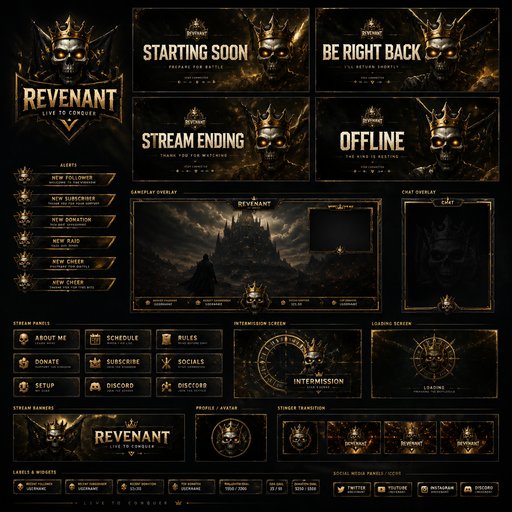
Anything you can describe: mugs, bottles, jars, boxes, bags, apparel, phone cases, signage, framed prints, packaging of every shape. The scene is rendered around your actual artwork, so what you evaluate is what would print.
What does a product scene cost?
Each render is 4 credits at Standard quality, 14 at Pro for listing-grade polish, 47 at Max. Testing a graphic across five products is about 20 credits — the $15/month Starter plan’s 1,000 credits cover months of product checks.
Can I use these renders as store images?
Yes — many sellers use Pro-quality scene renders as listing and social images while production samples are still in the mail. For hero listings, render at Pro and upscale the final pick.