AI recolor a graphic
Same artwork, any palette you can name
The artwork is right; the colors belong to last season, the old brand, or somebody else’s mood. Feed the graphic to the editor and ask for a new palette — corporate blue to warm terracotta, spring pastels to autumn rust — and only the color changes.
- Painted from your words — no templates, no stock libraries
- Bring your logo or photos along as references
- Every look from flat vector to glossy 3D render
- Edit, mock up, upscale or animate anything you make
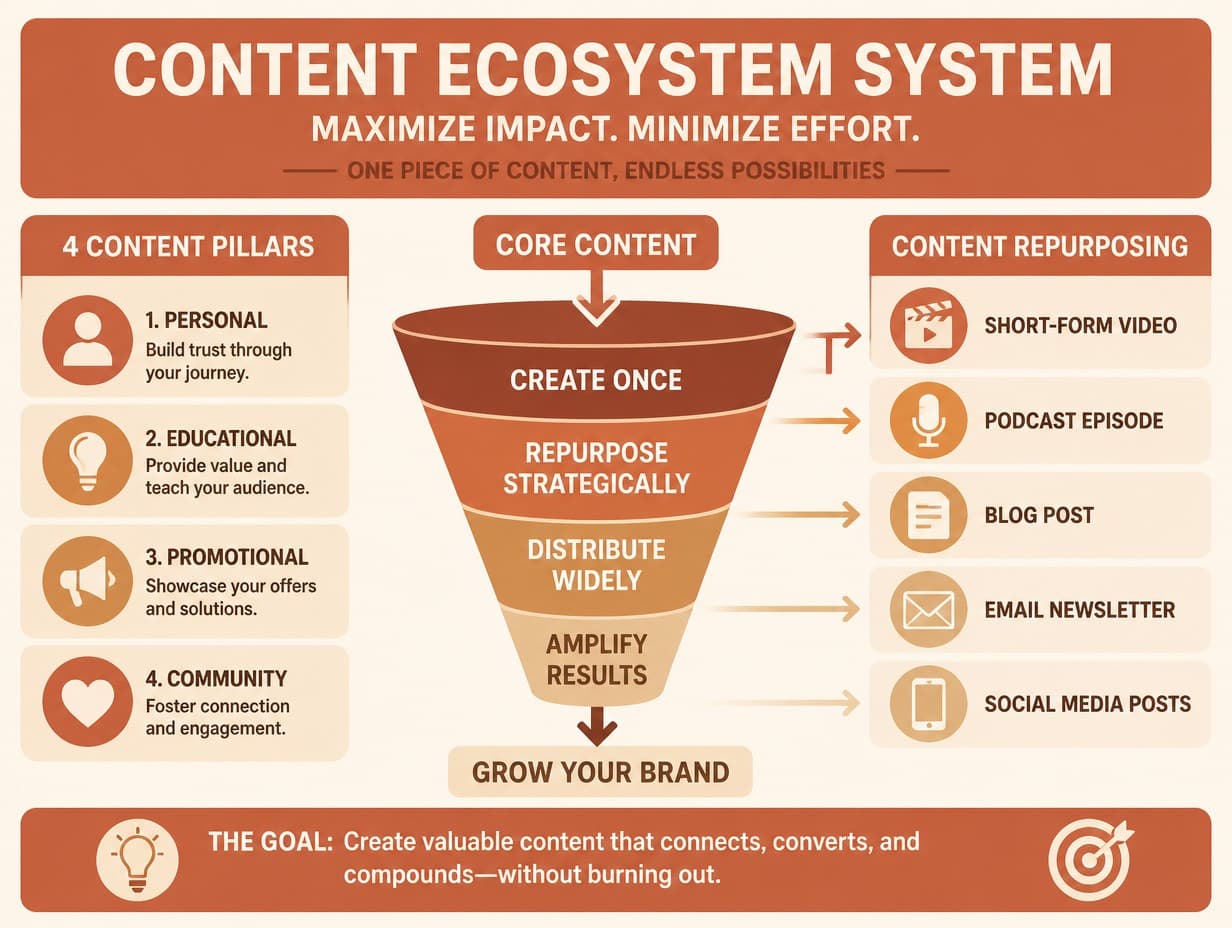
Made with Graphic Generator — “Shift the whole palette to warm terracotta, sand and cream, keep every shape and…”
Steal one of these prompts
Before you hit generate
Name target colors concretely: “forest green and cream”, not “nicer”
Recolor one graphic into seasonal sets instead of redesigning quarterly
Ask for a dark-background version of any light graphic, and vice versa
Rebranding? Include the new hex codes in the instruction
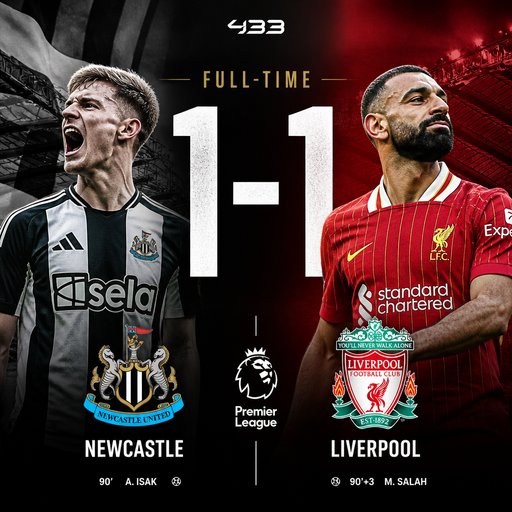
Straight from the community feed








Good questions, straight answers
Why recolor with AI instead of filters?
A hue slider shifts everything at once and wrecks skin tones, whites and shadows. The AI recolors like an artist — reassigning palette roles, keeping neutrals neutral and contrast intact — so the result looks designed in the new colors, not tinted.
What does each colorway cost?
A recolor is an edit pass: 4 credits at Standard quality (14 Pro, 47 Max). Trying six palette directions costs about 24 credits. Your 2 free signup credits cover a first Draft generation; plans start at $15/month for 1,000 credits.
Which colorways are worth making for every graphic?
A light and a dark version at minimum — feeds, slides and sites increasingly flip between the two. Seasonal sets (spring/holiday) and a brand-palette version round out a reusable kit.