AI graphic on a t-shirt
See the shirt on a person, not a ghost mannequin
Flat mockups lie: fabric drapes, prints curve, chest scale surprises everyone. Use the Wear/Hold tool to put your graphic on a shirt on an actual person — walking, standing, mid-laugh — and judge the merch the way buyers will.
- Painted from your words — no templates, no stock libraries
- Bring your logo or photos along as references
- Every look from flat vector to glossy 3D render
- Edit, mock up, upscale or animate anything you make
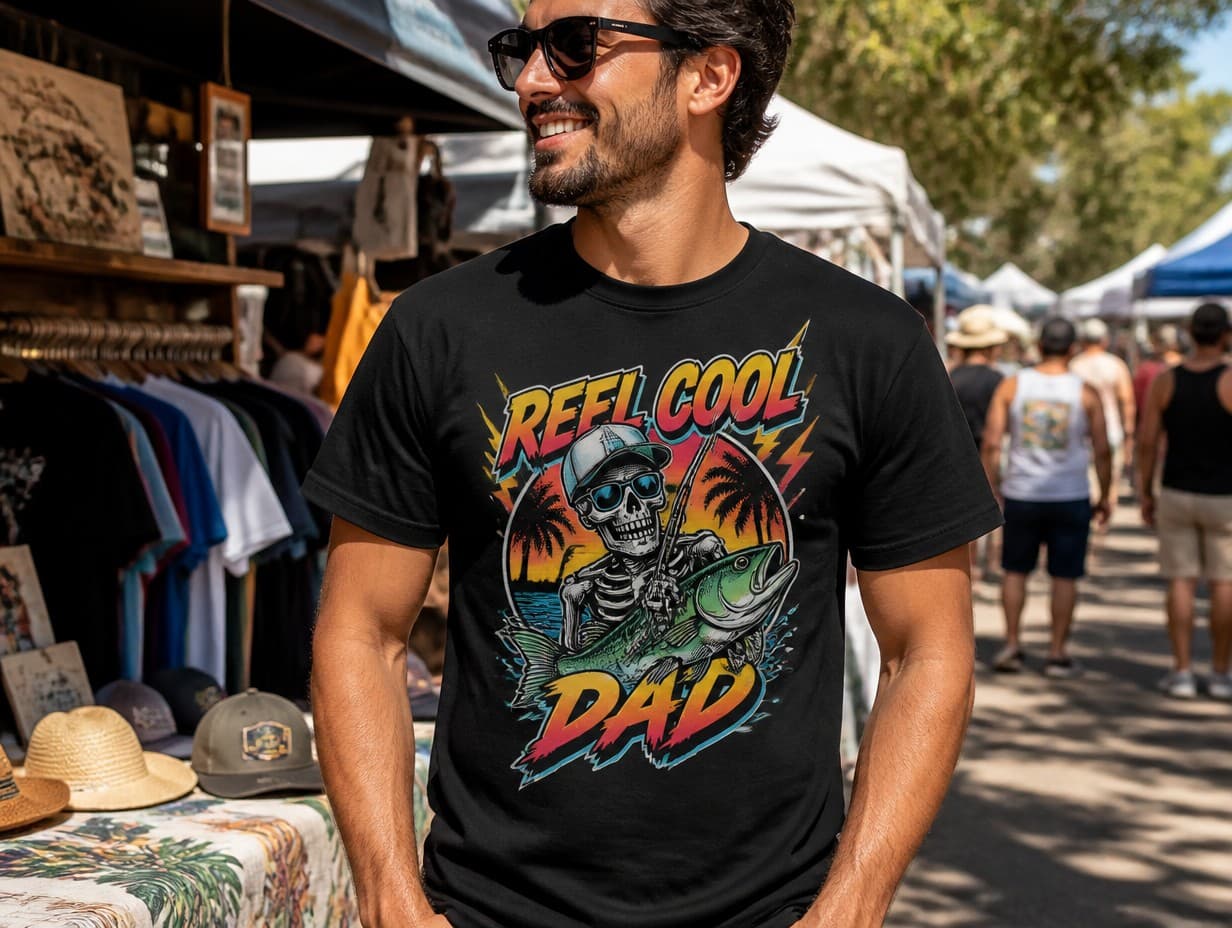
Made with Graphic Generator — “Show this graphic as a large center-chest print on a black t-shirt worn by a per…”
Steal one of these prompts
Before you hit generate
Specify shirt color and print placement: “center chest on black tee”
Test your graphic on both a light and a dark shirt before choosing stock
Describe the wearer and setting to match your audience’s world
Busy graphics shrink badly — check a small left-chest version too
Straight from the community feed




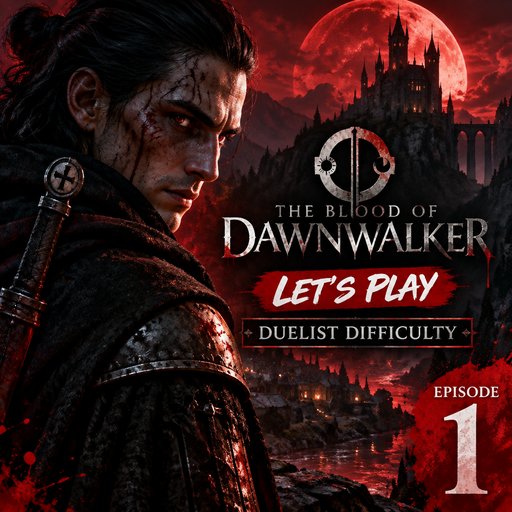
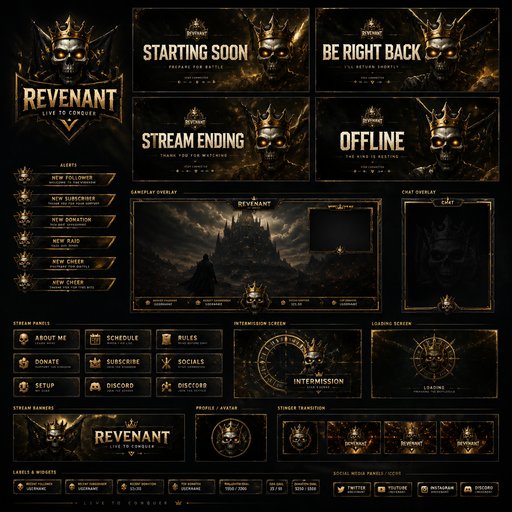
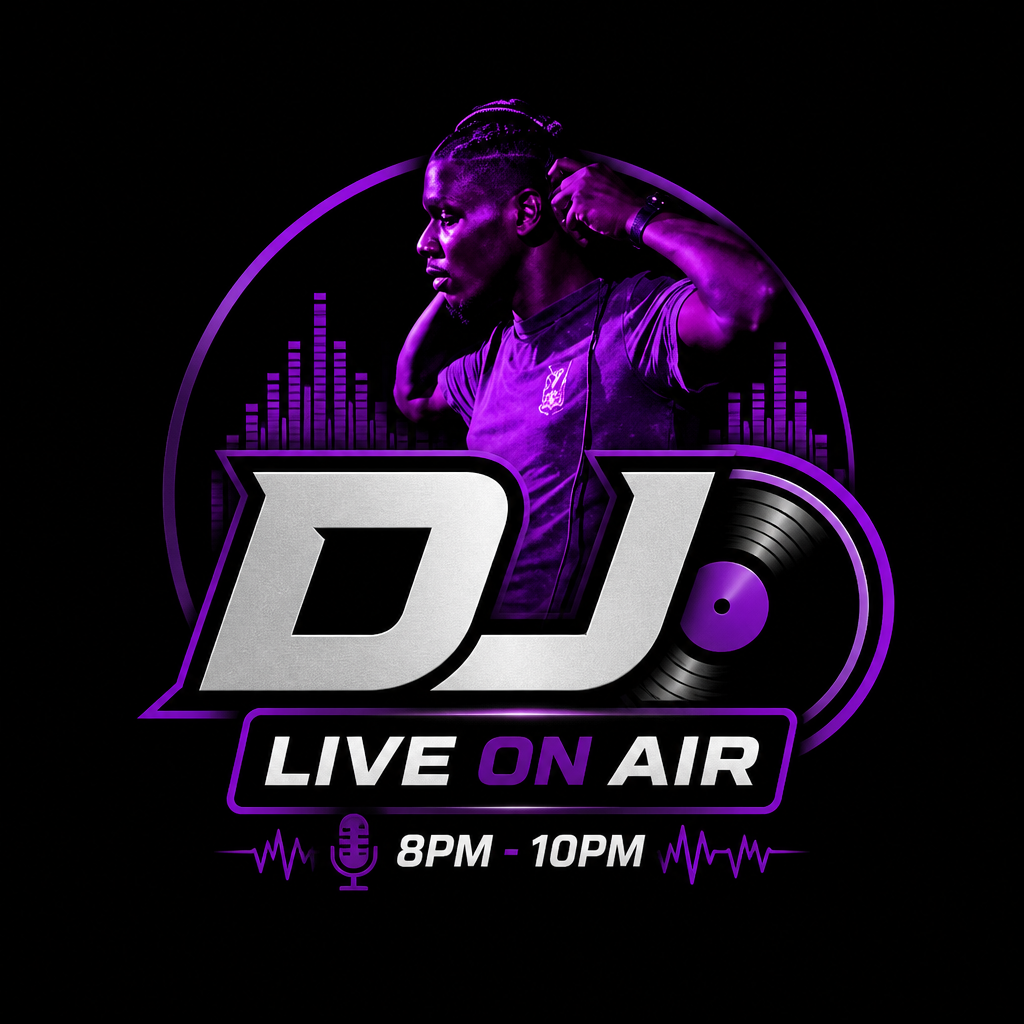

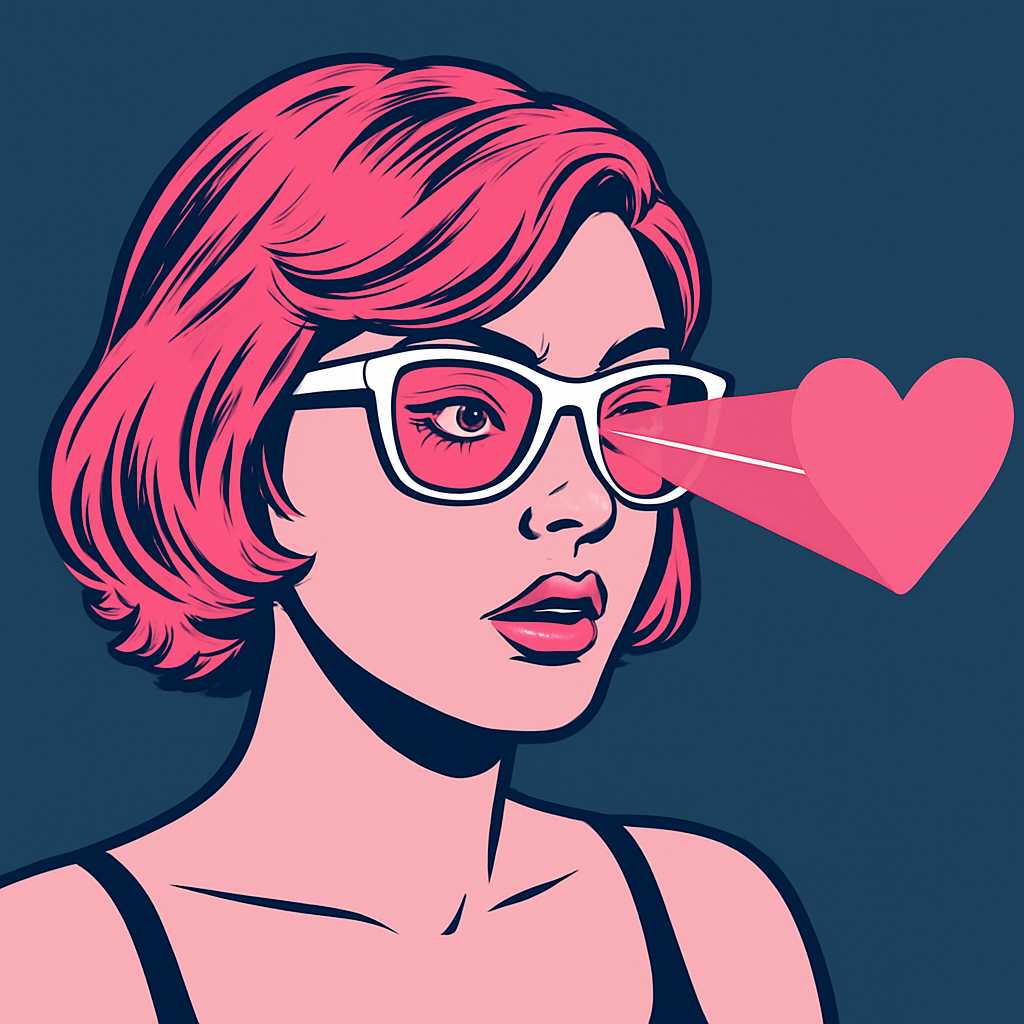
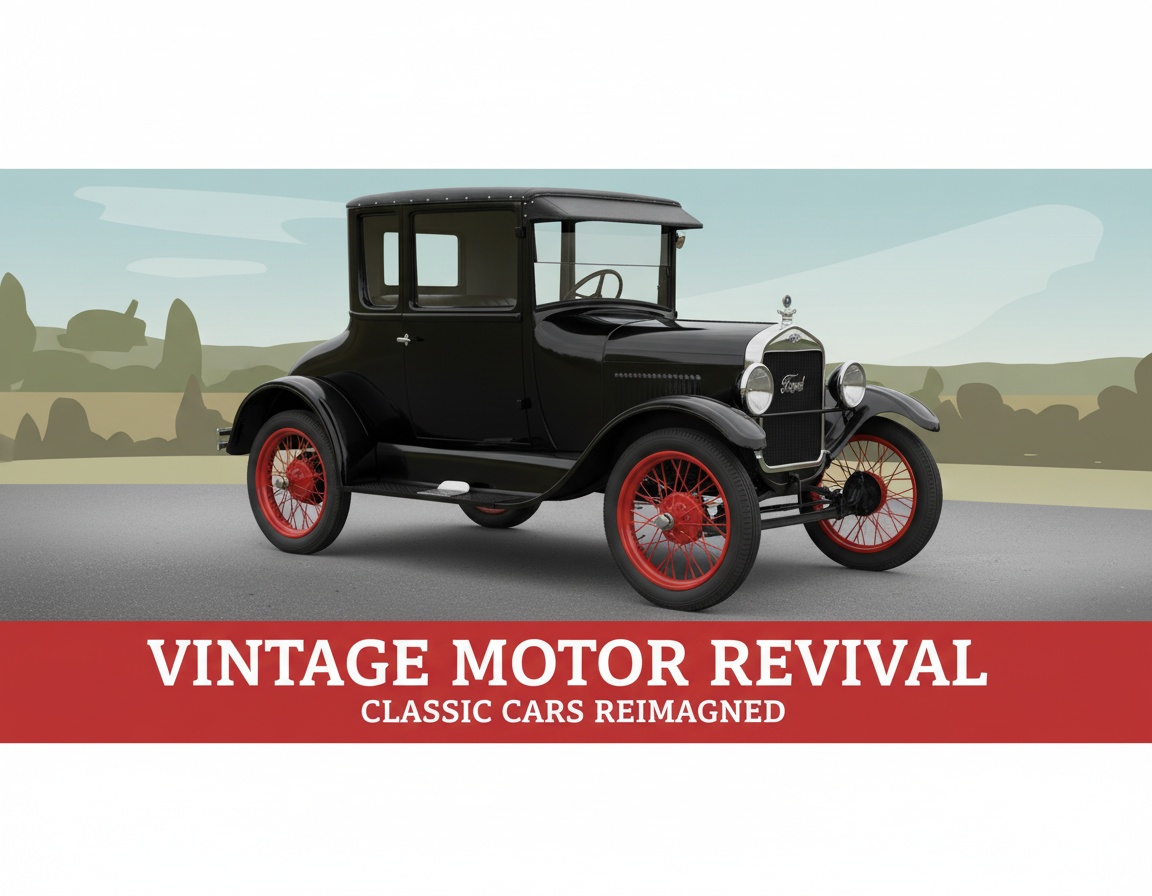
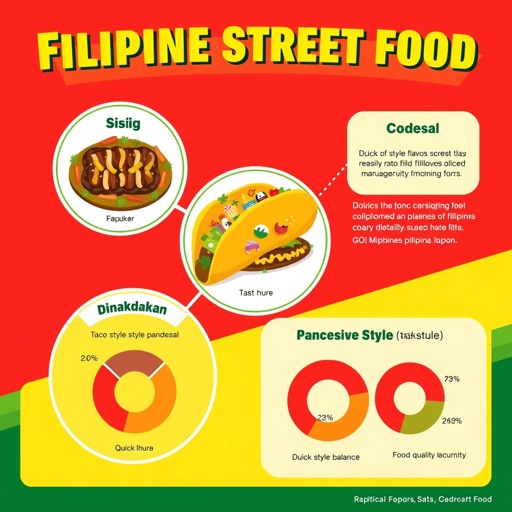


Good questions, straight answers
How is try-on different from a flat shirt mockup?
Flat templates paste your art onto a floating shirt; try-on renders it on a worn garment — drape, wrinkles, lighting and true chest scale included. It answers the merch questions a flat mockup can’t: does it read across a room, and does anyone look good in it?
What does a try-on render cost?
Try-on is 6 credits at Standard quality, 16 at Pro and 49 at Max. Checking one graphic across four shirt-and-placement combinations runs about 24 credits — well within the $15/month Starter plan’s 1,000 credits.
Can I use try-on images in my store?
Yes — Pro-quality try-on renders make convincing lookbook and listing images while you wait on sample stock. Generate a few wearers and settings so the product page shows range.